This article introduces the Agent Feed, powered by Agent Intel, which surfaces timely alerts about real estate agents you've worked with, including market updates, social media activity, recent transactions, and open house notifications. It's built for loan officers who want to stay engaged with their agent network and spot new referral opportunities. The article also covers where to find the Agent Feed and answers common questions about how the underlying data works.
Navigating to the Agent Feed
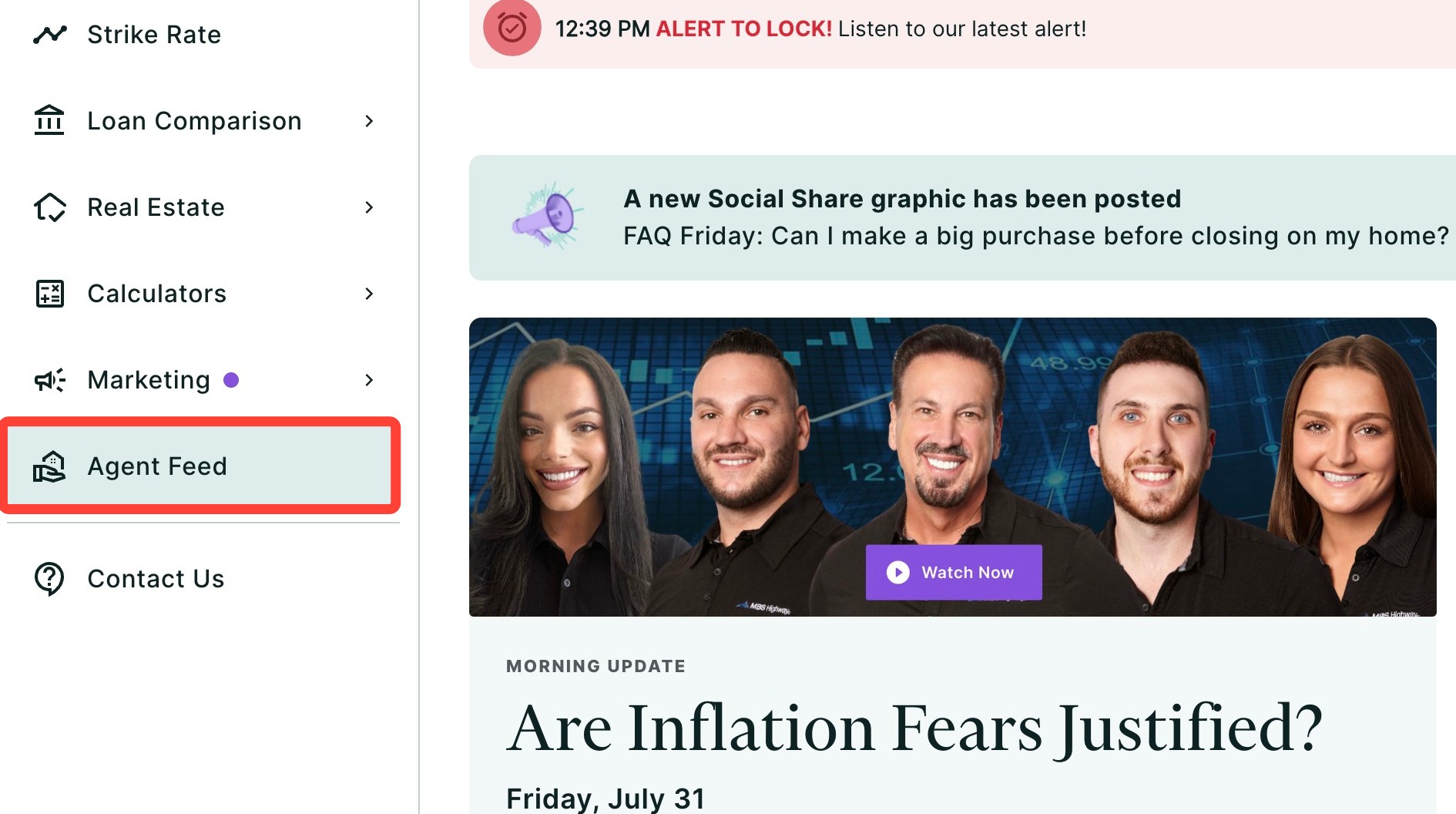
You can find your Agent Feed within the Calculators tab of the left-hand navigation menu.
Navigating through the left-hand sidebar menu
Click Agent Feed within the left-hand navigation menu.
💡Helpful Tip: You can also search and favorite reports, tools, and calculators. Click here to learn how. |
Agent Intel Alerts
Get timely insights about agents you have worked with in the past using Agent Feed, powered by Agent Intel. Below are some examples of alerts you may see in your feed:
|
Example Insights and Alerts | |
| Type of Alert/Insight | Example |
| Market Updates: Keep on top of trends by checking your market updates. | |
| Social Alerts: Show your support for the agents in your network with centralized social media posts for you to like, share, and comment on. | |
| Competitor Alerts: Reclaim your business by reaching out whenever agents you've worked with transact with a competing LO. | |
|
Open house alerts: Win favor with agents by sending relevant listing promotion materials as soon as their open house has been scheduled. |
|
| Buyside Alerts: Monitor agents to identify high-performing agents. | |
| Listside Alerts: Monitor agent listing activity to help identify referral partners. | |
| Prospect Alerts: Follow and interact with recommended agents whose production profiles align with your existing agent network. | |
FAQs
FAQs
Is this free?
Yes! This free version for MBS Highway users is included in your subscription. For full access to all of Agent Intel's features including Agent Connect Essentials Marketing Materials, Agent Network, Agent Search, Agent Listings, and more, upgrade your account by contacting our team.
Who are the agents I am seeing in the feed?
We have populated your feed with agents you have closed transactions within the past 12 months, as well as target agents whose production levels mirror agents you've worked with in the past.
How is my market area chosen?
We choose your market area based on the last 12 months of your transactions.
Can I change my market area?
You can change your market area by signing up for Agent Intel through ListReports.
I close more transactions in a different market area. Why isn't it showing me that area?
It may be that we do not have a high data confidence for that particular area. In this scenario, we will base your market area on where we can identify your transactions – likely in a higher data confidence area.
Do agents know I am following them?
No, agents are not notified when you follow them. However, if you invite them to pair with you in ListReports, they will be notified (Agent Intel subscription required).
How often is the data refreshed?
Our data is refreshed daily. However, there may be a lag between when the transaction takes place and when we receive the syndicated data.
Where does the data come from?
Highway collects data from many different sources to display production stats for the agents you follow on Agent Intel. Our patent-pending algorithm aggregates data from multiple sources and considers all components of an agent or loan officer's identity and listing, then analyzes hundreds of data points for reliability.
Need Help?
Have questions or want to learn more? Submit a ticket or call us today!