Social Share is your hub for accessing and sharing curated market and economic reports. This article covers how to browse the available content, apply your branding with a color theme, and share an infographic to Facebook, LinkedIn, X, email, or as a download or link.
Navigating to Social Share
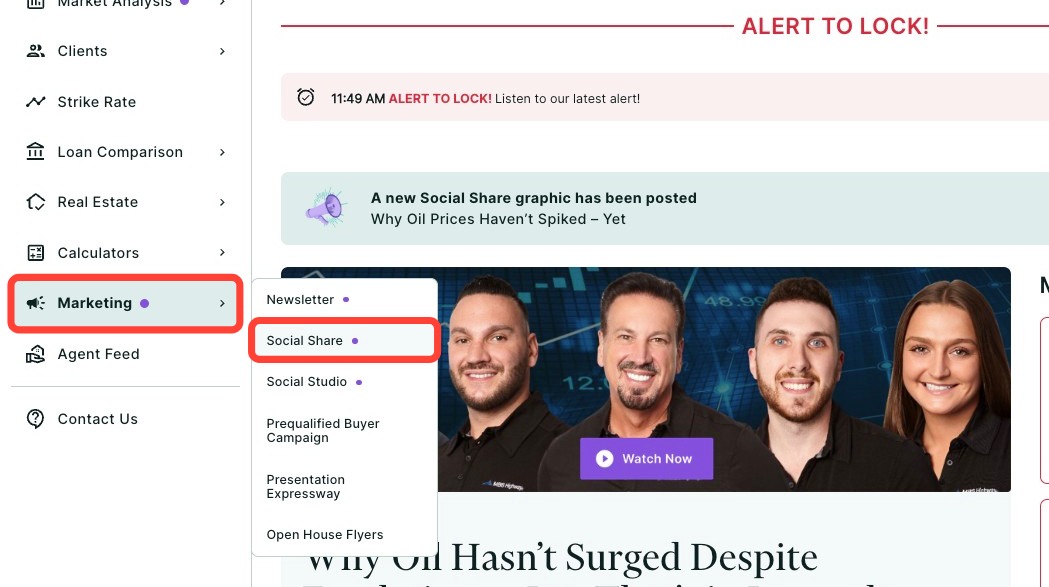
You can find MBS Highway's Social Share assets within the Marketing tab of the left-hand navigation menu.
Navigating through the left-hand sidebar menu
To access Social Share using the left-hand sidebar menu, click Marketing, then click Social Share.
💡 Helpful Tip: You can favorite Social Share by clicking the star next to its name, so it's easier to find next time. |
Browsing Content
There are multiple ways to browse the content available to share on social media and beyond:
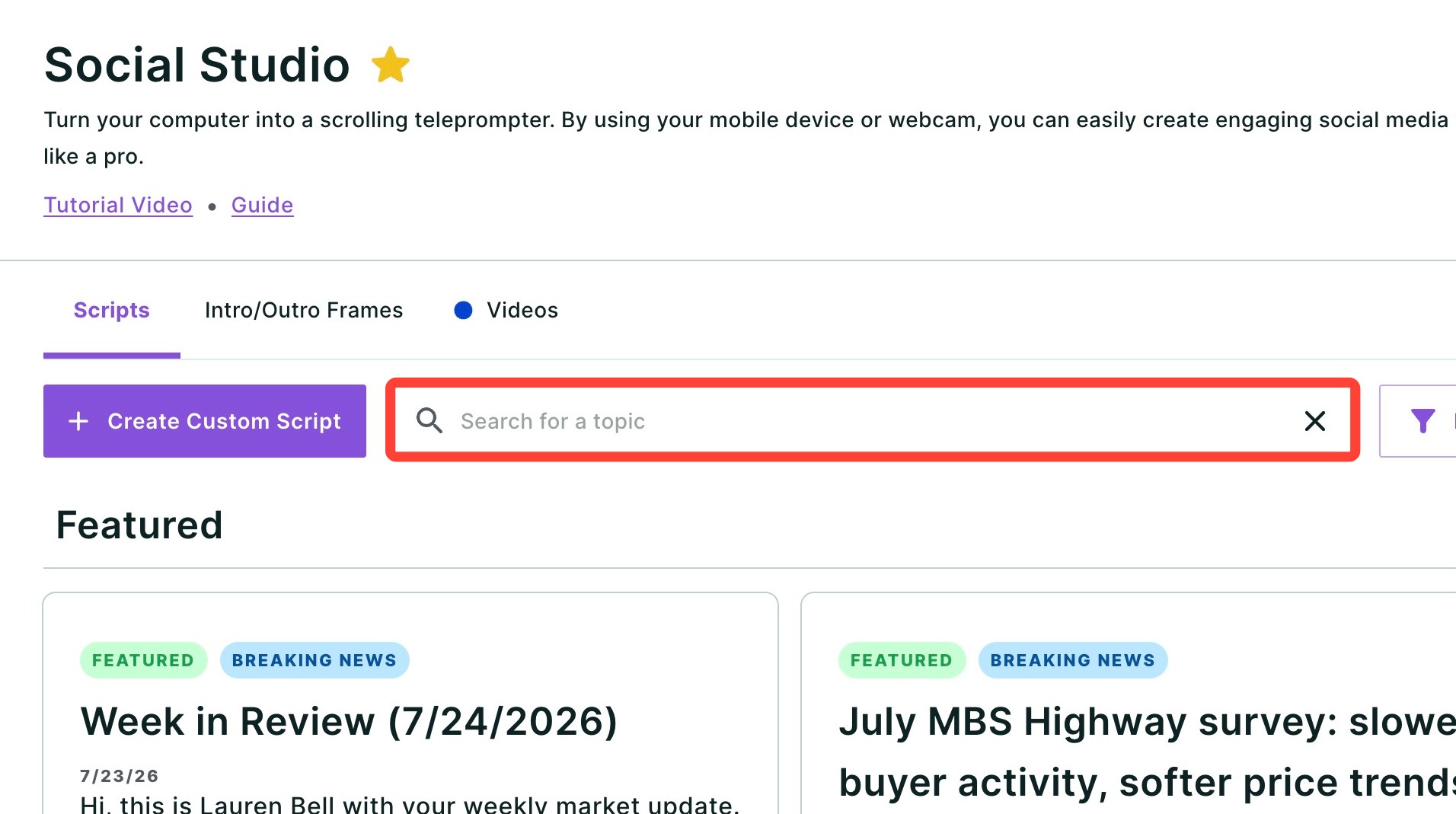
Search Bar: Use the search bar to find specific content quickly by entering keywords, categories, or report titles.
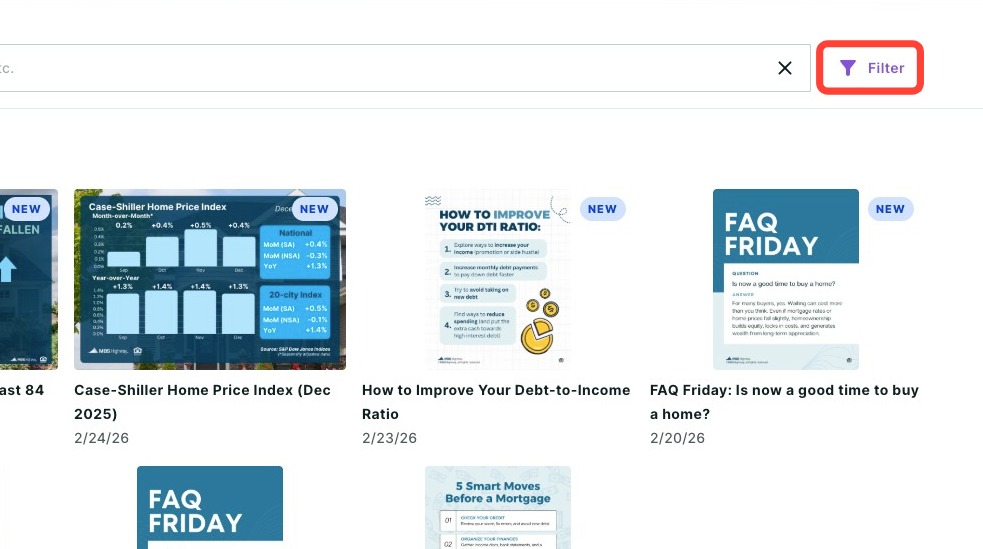
Filter Function: Use the Filter to quickly find content based on report category.
How to Share
Choose the infographic you would like to share by clicking it, then follow the steps below:
- Display your branding by choosing a color palette from the drop-down seen below.
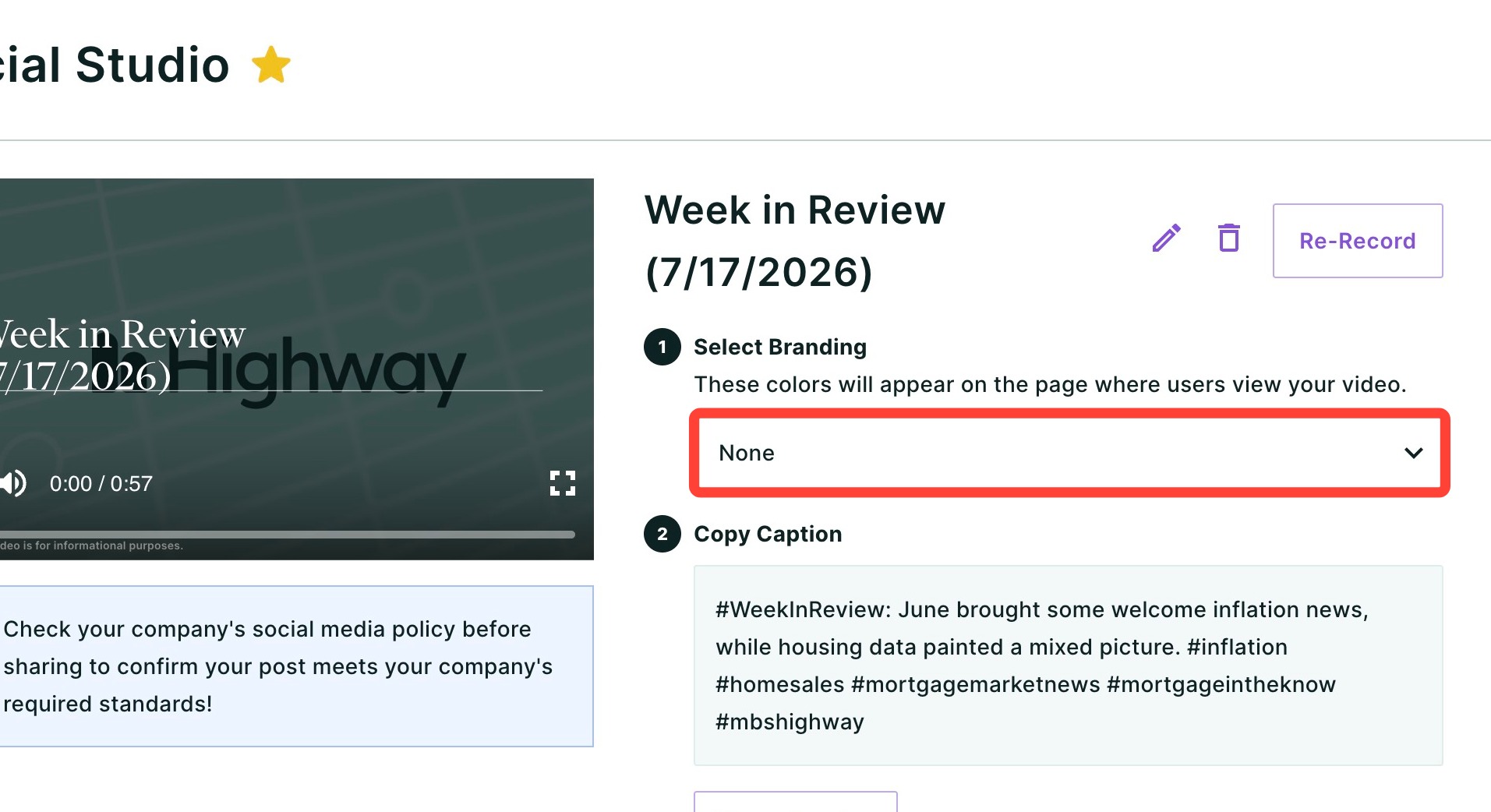
- Choose a pre-made color palette from the drop-down, or click + Create new theme to make your own.
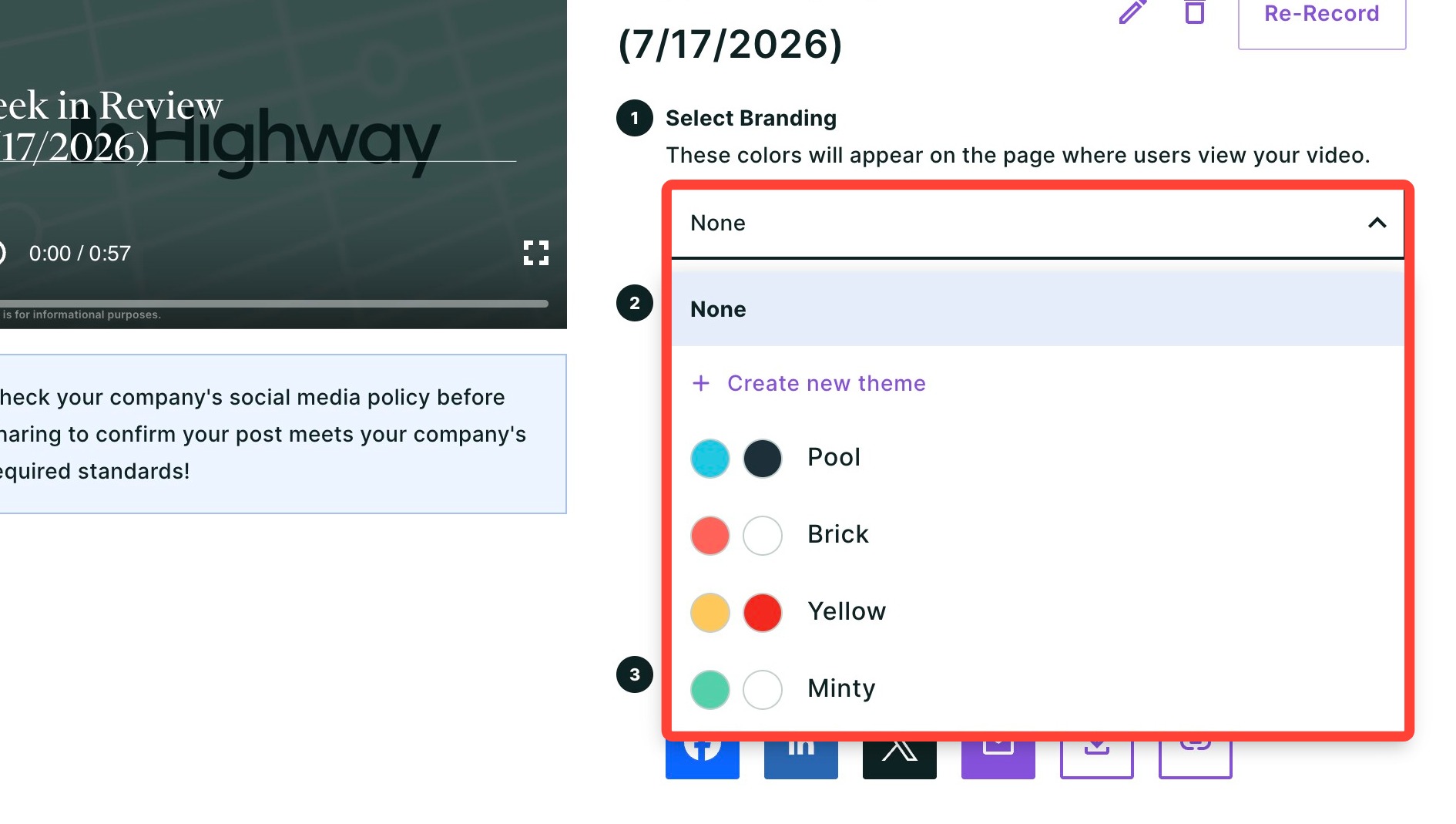
- If creating your own theme, we will use the logo you have on file to generate your color palette. To learn how to update your logo, click here.
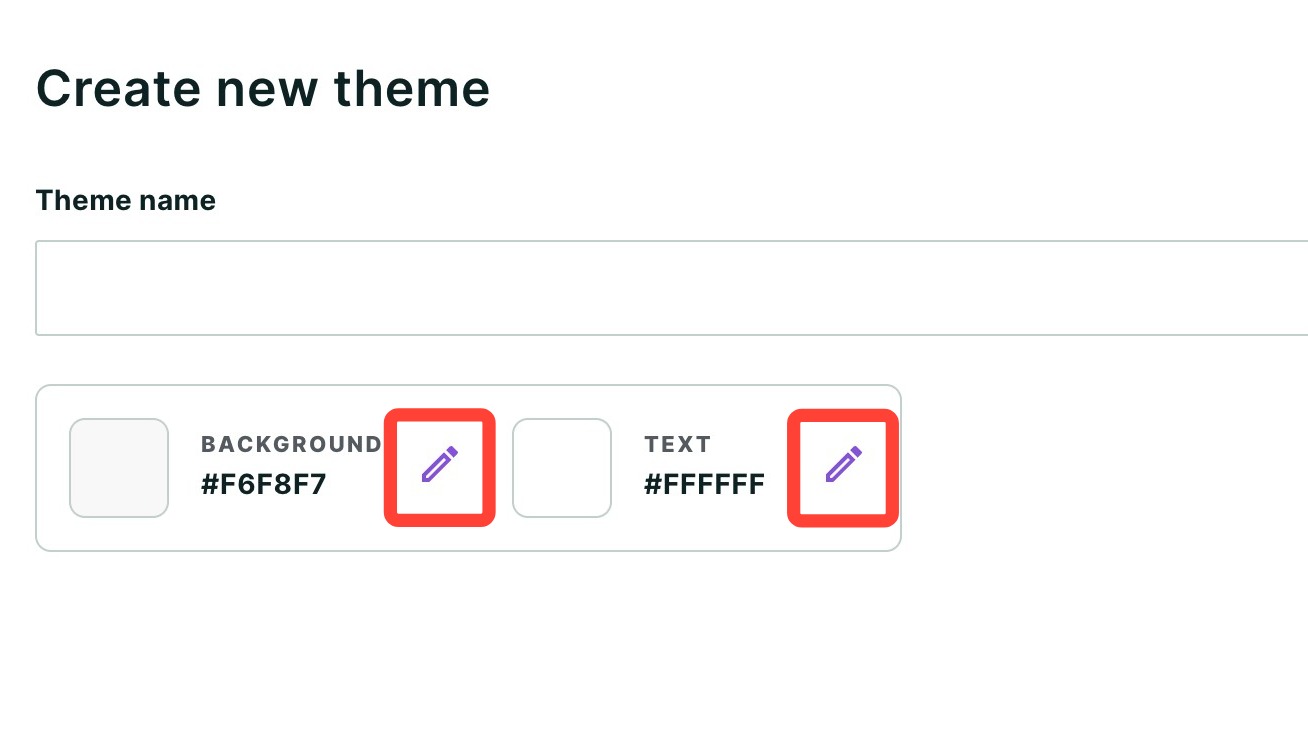
- Add a name for your color theme. You will be able to choose this theme again once created.
- To edit the colors, click the purple pencil icon.
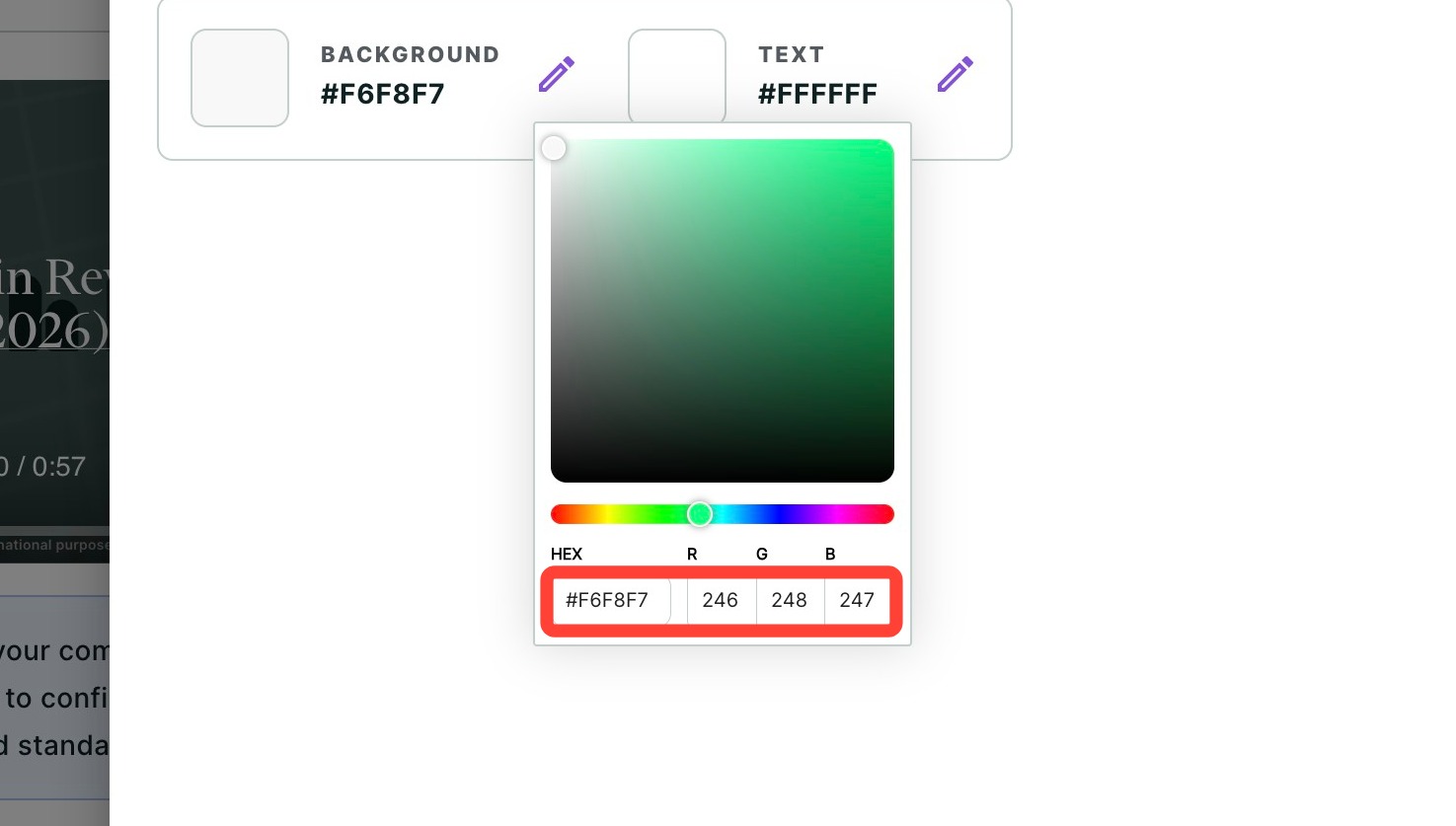
- Choose a color by HEX code, RGB values, or using the color picker tool.
- Click Create.
- Click Copy Caption if you are planning to share this on social media. These captions have SEO built in to help improve your visibility.
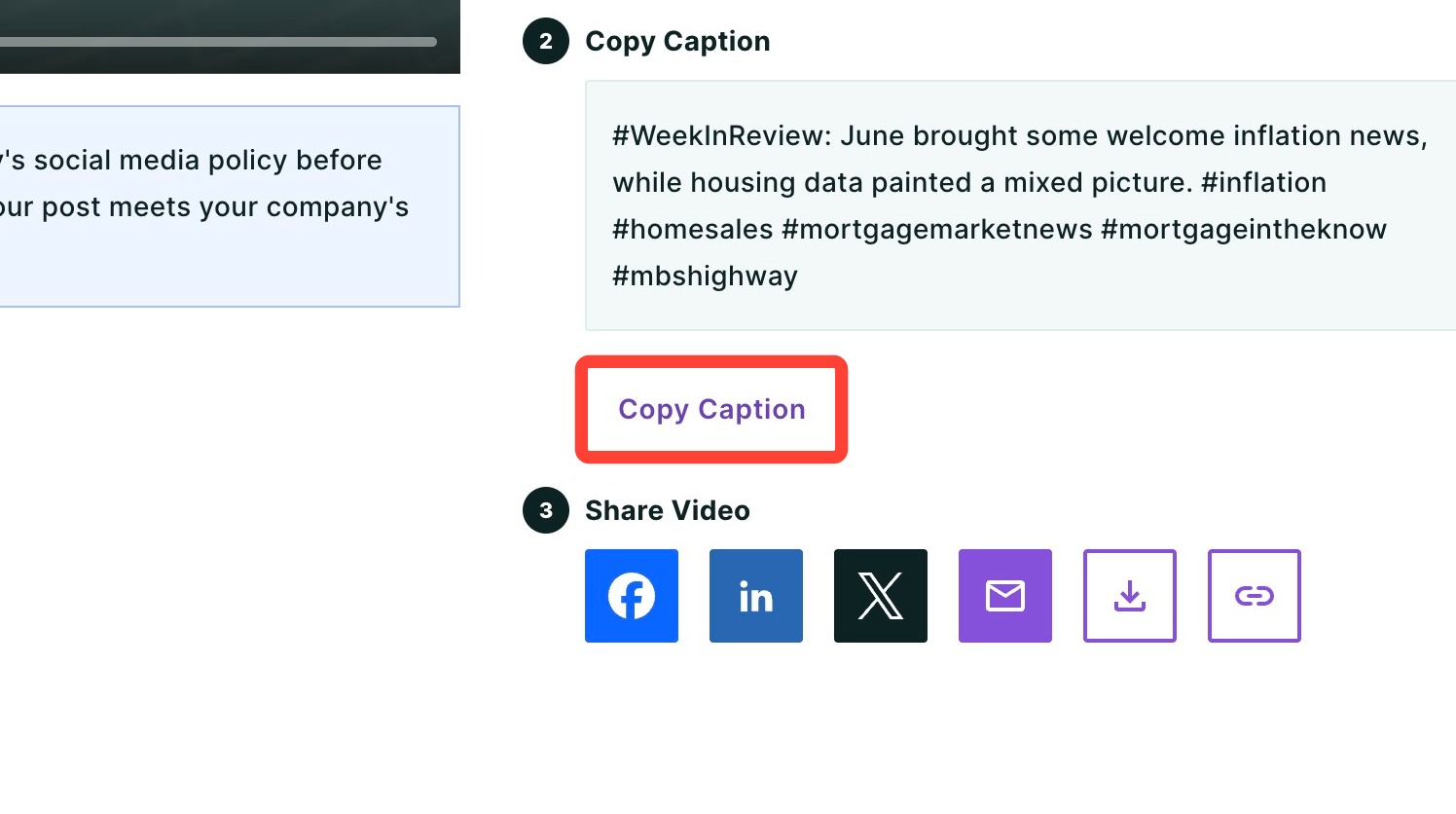
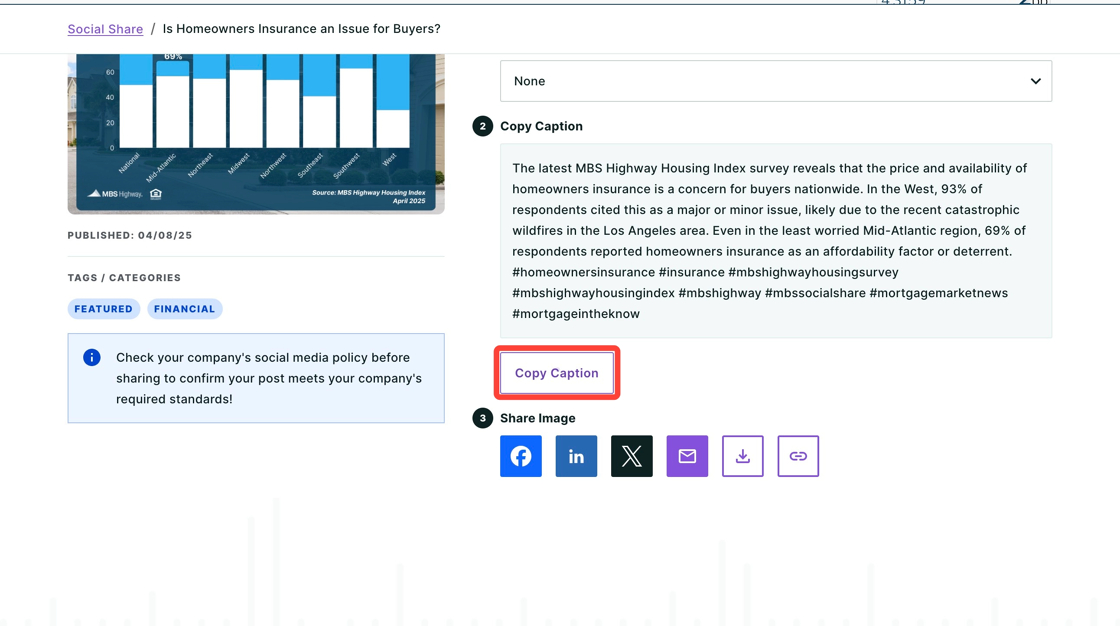
- Choose how you would like to share. Your options include Facebook, LinkedIn, X, Email, downloading, and copying it as a link.
- To share on Instagram, download it as an image and upload it to the platform.
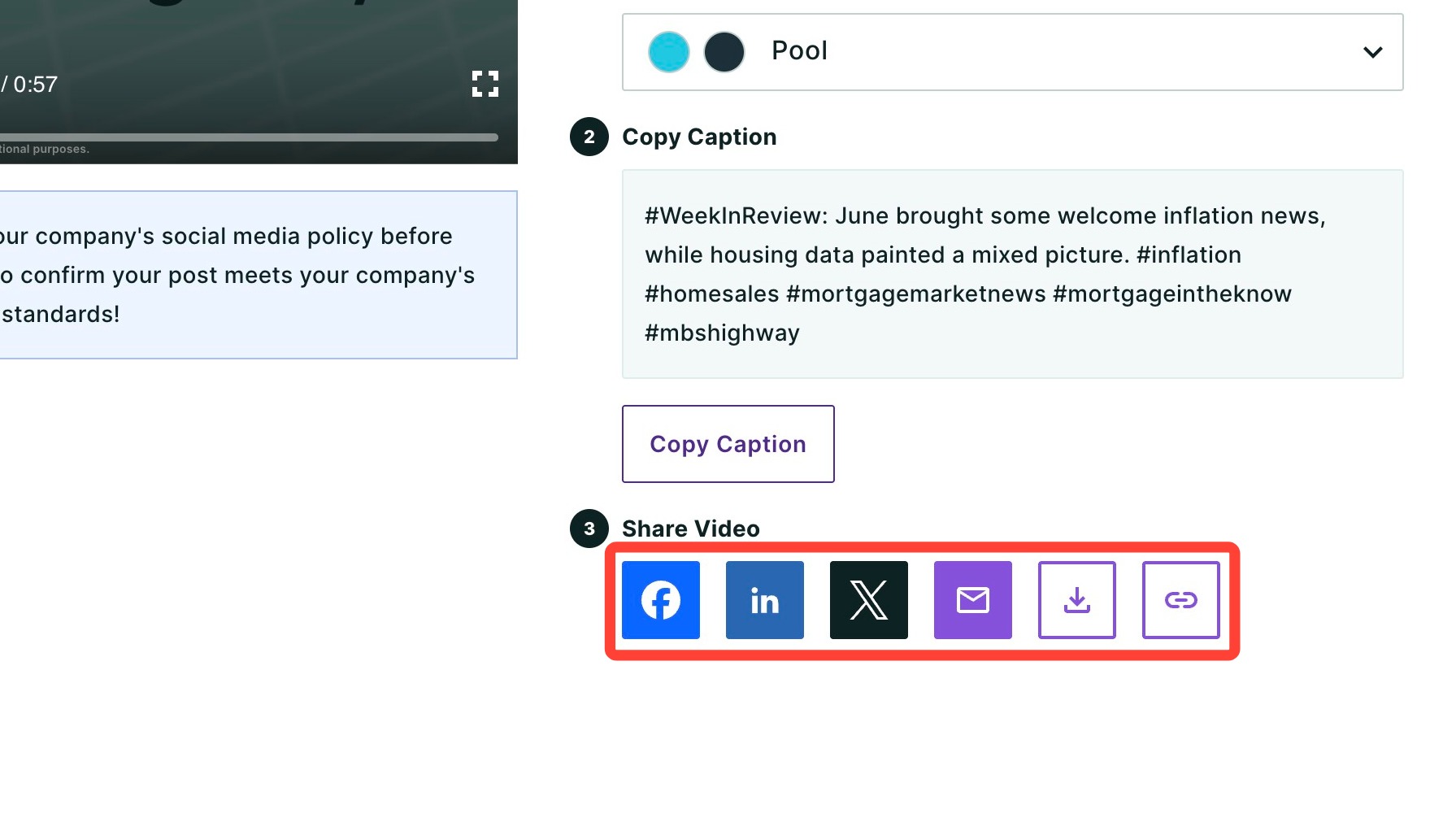
- If you are sharing it as a social media post, paste the caption you copied in step 8.
💡 Helpful Tip: Before posting, review your company's social media policy to ensure your post adheres to branding and compliance standards. |
Need Help?
Have questions or want to learn more? Submit a ticket or call us today!
Related to