Presentation Expressway provides valuable content you can share with clients, colleagues and referral partners. Watch the featured presentation at the top of the page, search for a specific topic, or scroll to browse the full selection. Each presentation includes a video walkthrough and a downloadable slide deck.
Navigating to the Presentation Expressway
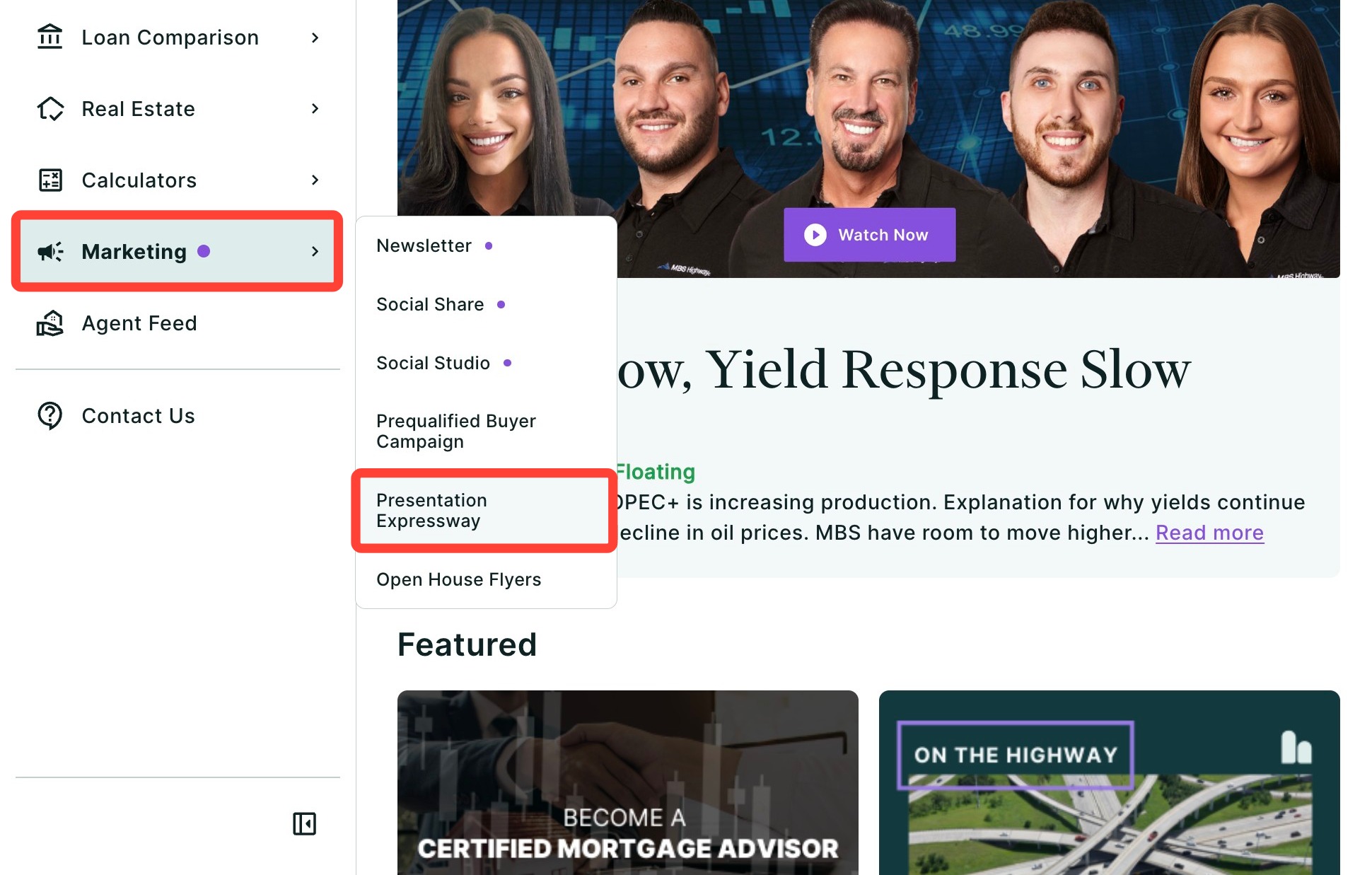
You can find the Presentation Expressway within the Marketing tab of the left-hand navigation menu.
Navigating through the left-hand sidebar menu
To access the Presentation Expressway using the left-hand sidebar menu, click Marketing, then click Presentation Expressway.
💡 Helpful Tip: You can also search and favorite reports, tools, and calculators. Click here to learn how.
|
How to Present
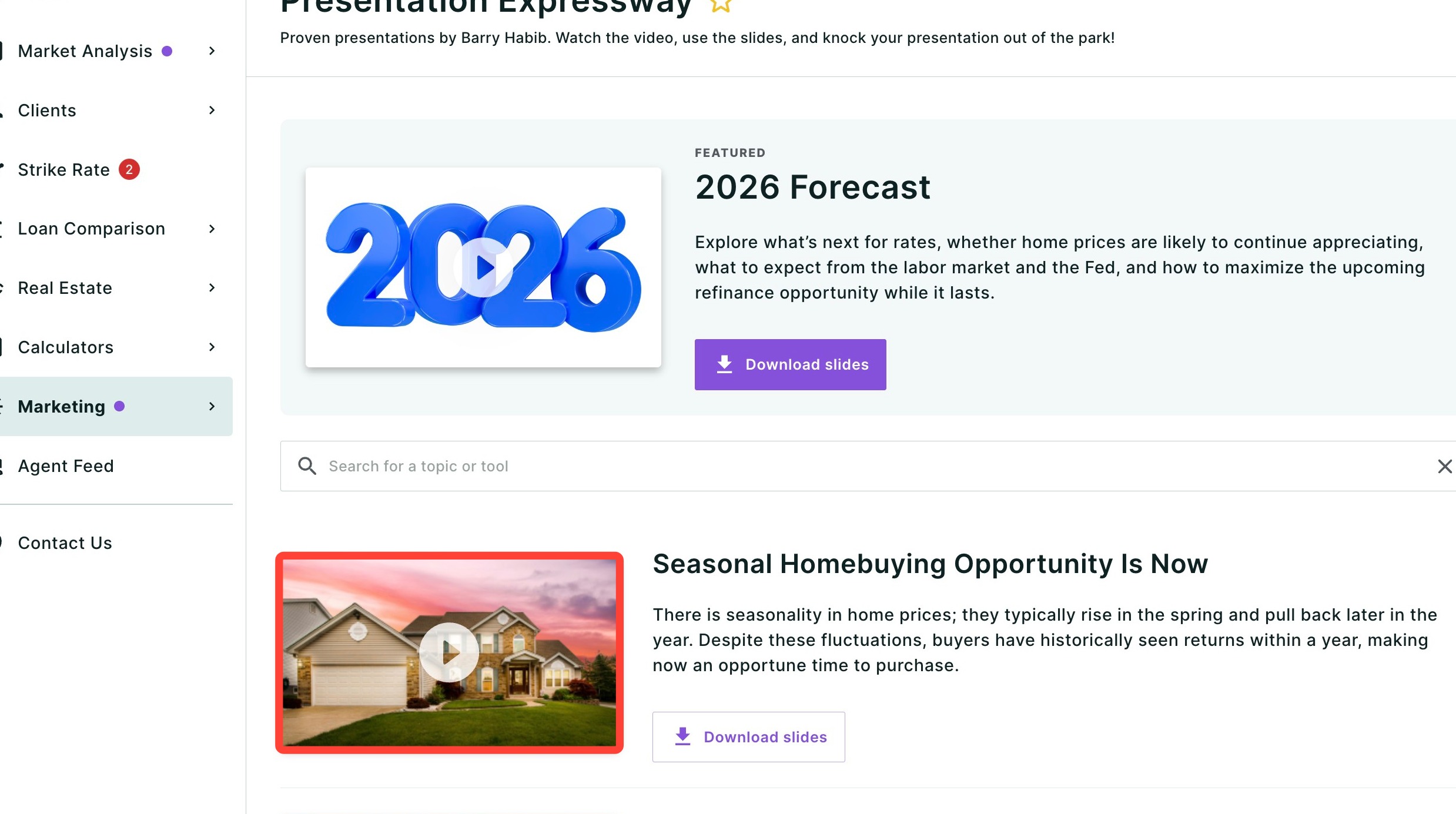
Watch our videos to gain valuable insights and learn how to present on the most pressing topics affecting your clients. To view the video, click the presentation’s corresponding image.
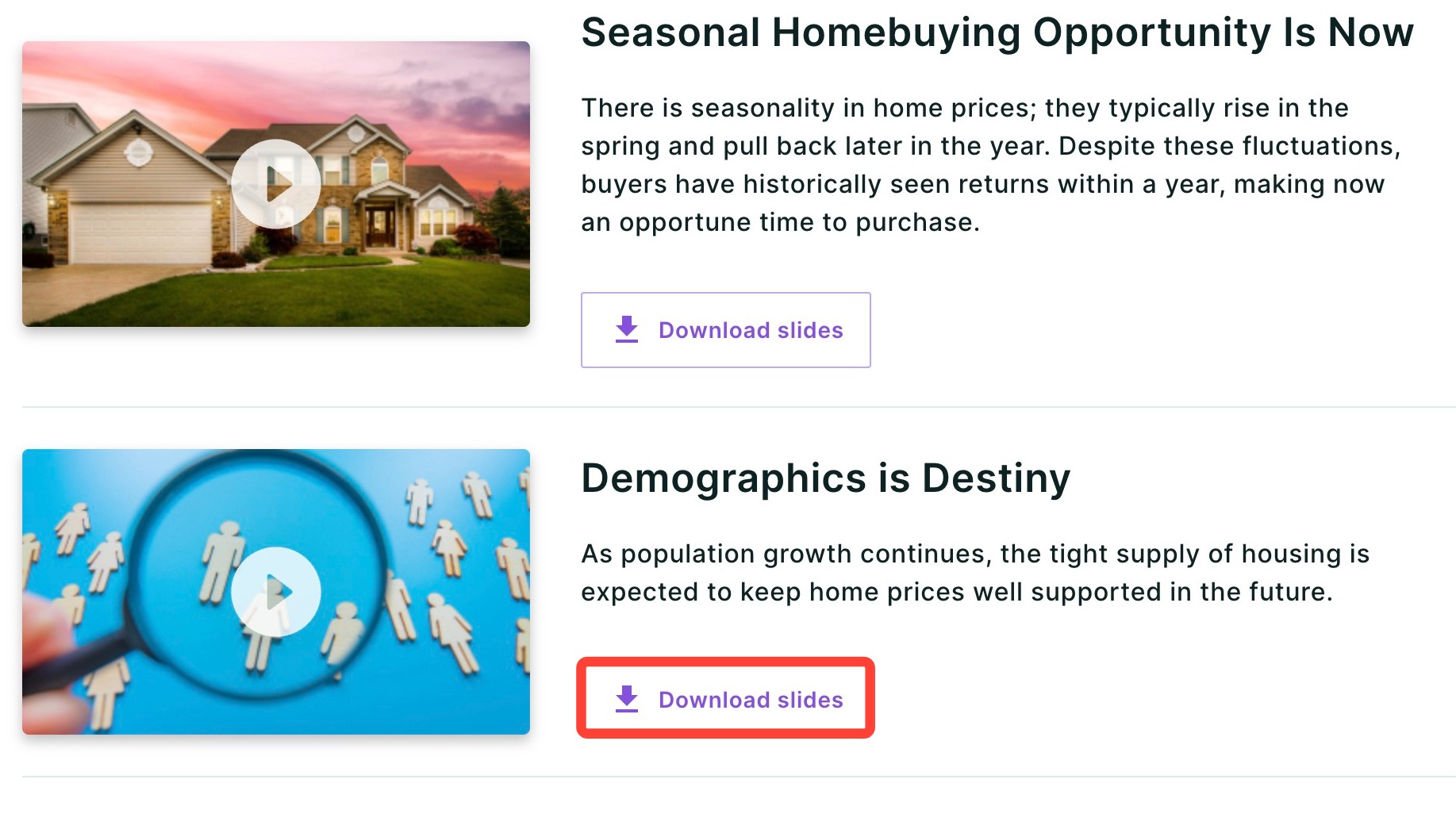
To download a PowerPoint presentation, click Download slides.
Please note: To make edits or changes within Microsoft PowerPoint, you will need the appropriate Microsoft license.
|
Need Help?
Have questions or want to learn more? Submit a ticket or call us today!
Related to