This article walks you through how to manage your account's appearance and personal preferences in MBS Highway. You'll learn how to set custom price window times so you can see how far the market has moved since your morning pricing, and how to switch the platform between Light Mode, Dark Mode, Match device, and Red-Green Color Blind Mode.
Navigating to Appearance & Preferences
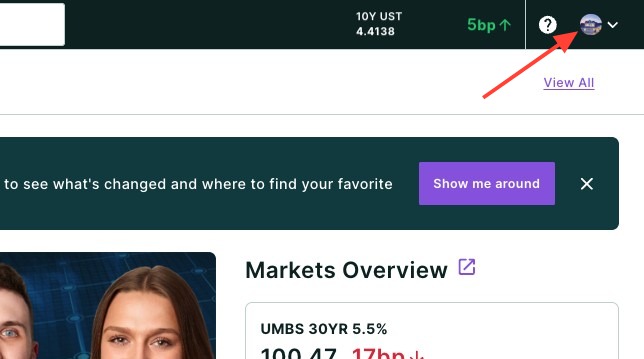
- Click your headshot in the top right-hand corner of the page.
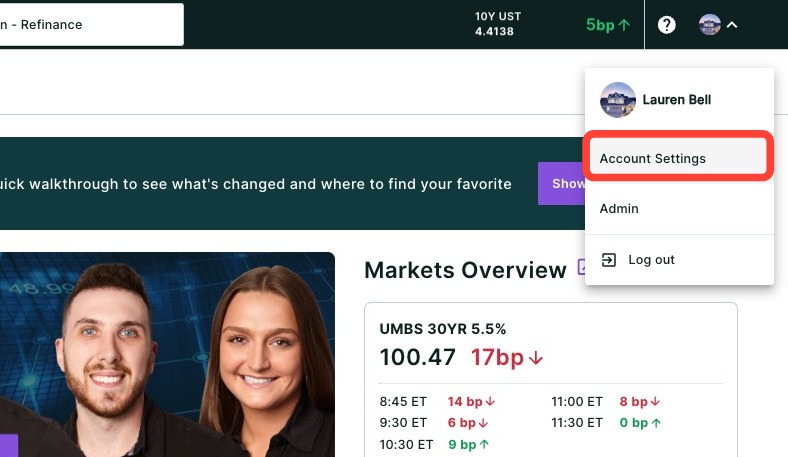
- Click Account Settings.
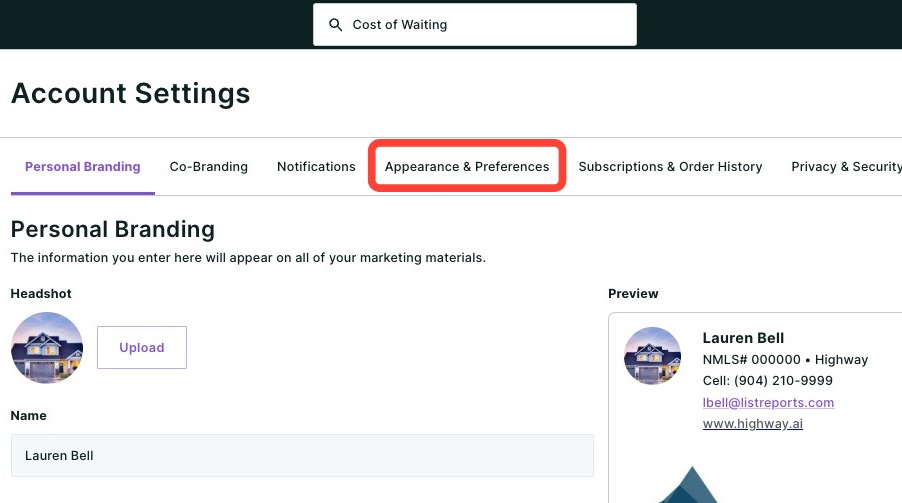
- Click the Appearance & Preferences sub-tab.
Market Settings
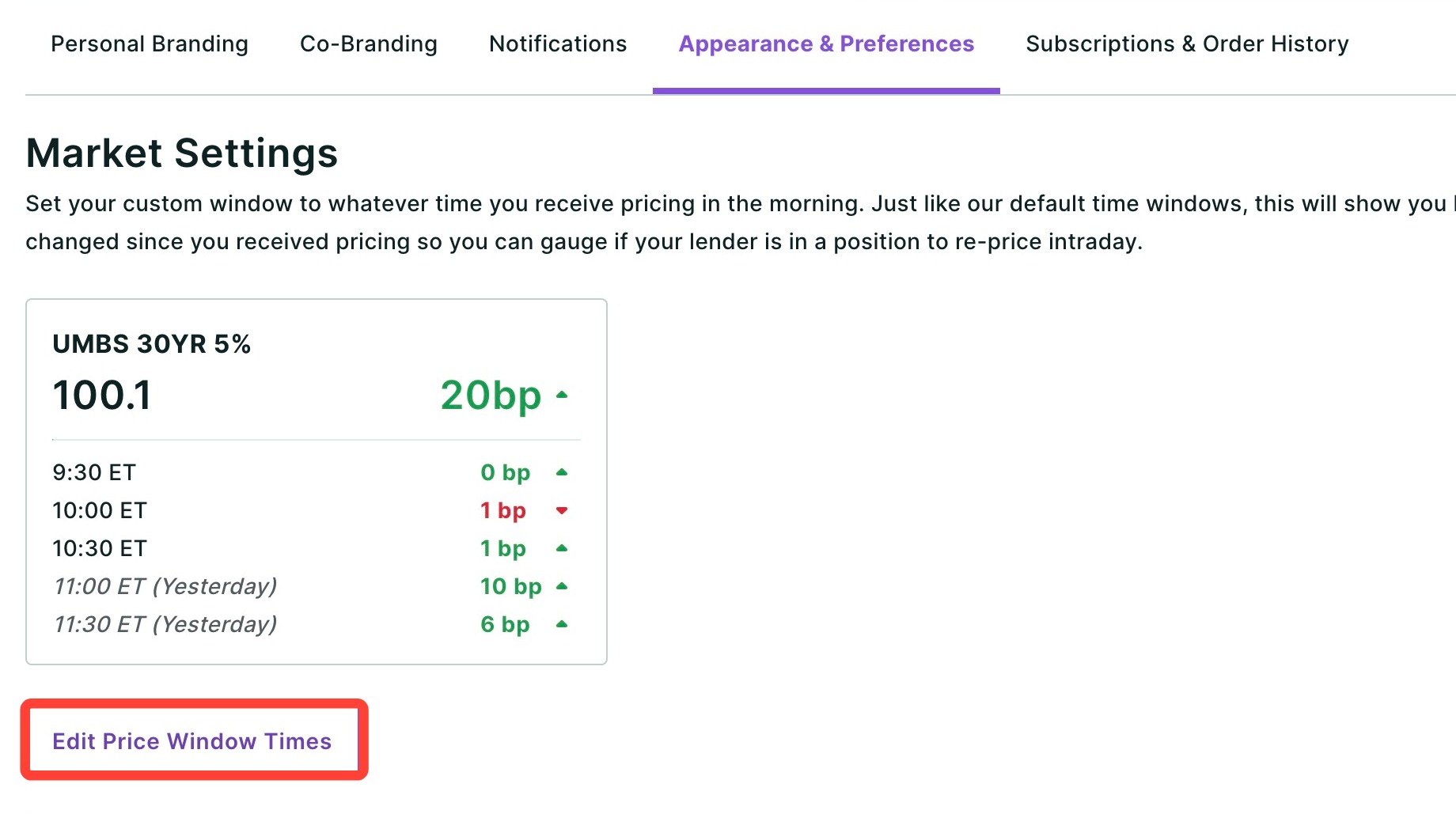
Market Settings allow you to set custom price window times based on when you receive your daily pricing. The platform then shows how much the market has moved since that time, so you can quickly assess whether you may be in a position to reprice intraday.
This helps you:
- Monitor market movement throughout the day on the Home page, Markets Overview page, or in an open pop-up window
- Identify potential repricing opportunities
- Stay informed without constantly checking external market sources
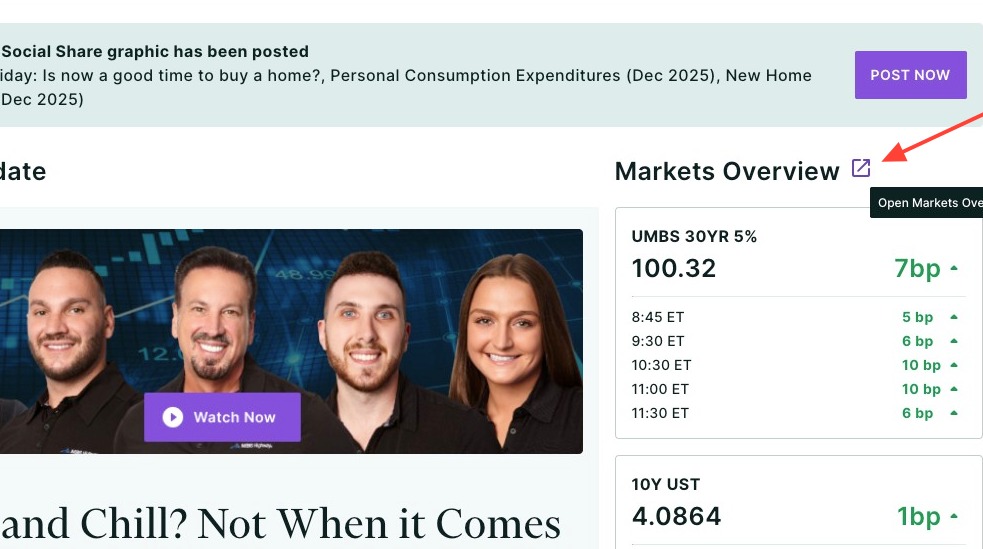
💡 Helpful Tip: To open a pop-up window of your Markets Overview and keep it open on your desktop, click the icon below.
|
How to Set up Price Windows
- Click Edit Price Window Times.
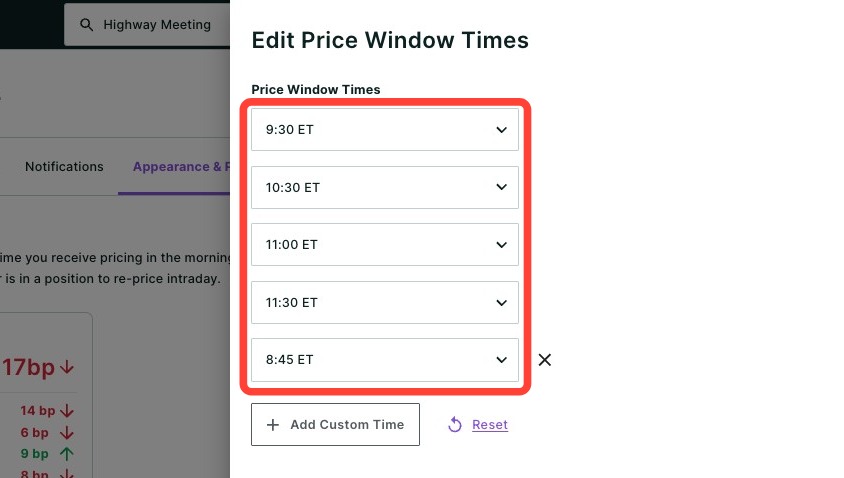
- To change a time, click one of the drop-downs below.
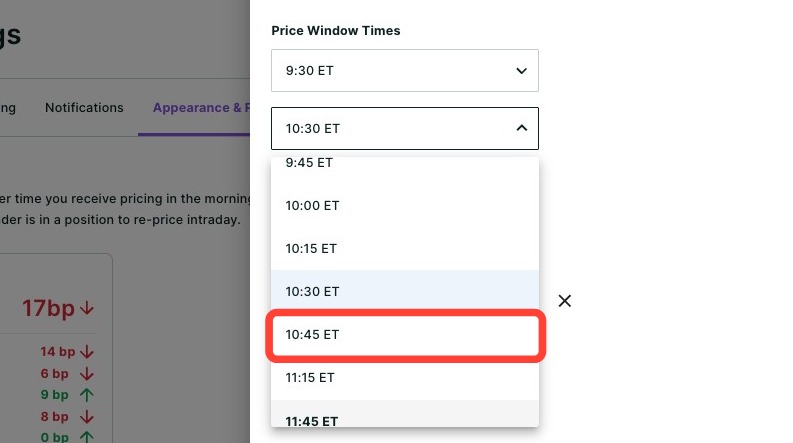
- Select your desired price window time.
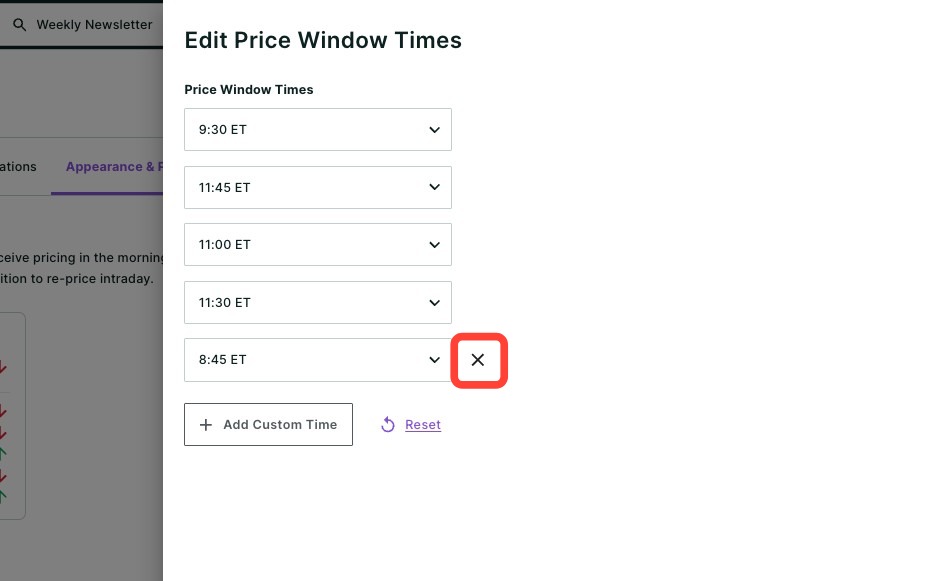
- To remove a time, click the x next to its drop-down.
- You can also add a custom time by clicking + Add Custom Time. The maximum number of price window times allowed is five.
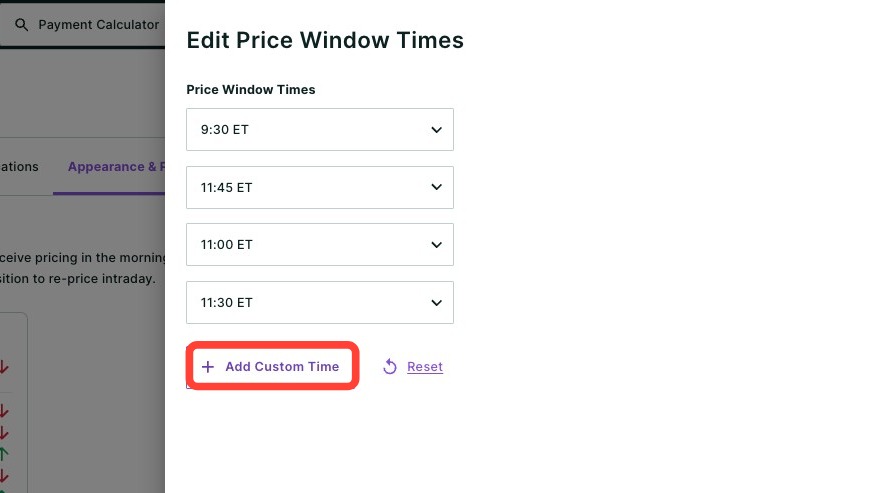
- Click Save.
Platform Appearance
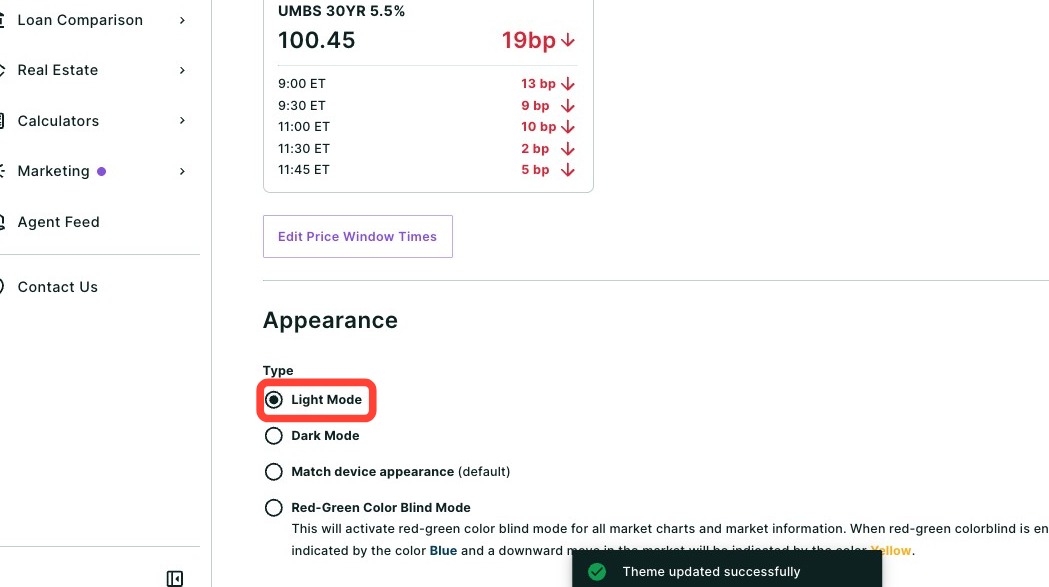
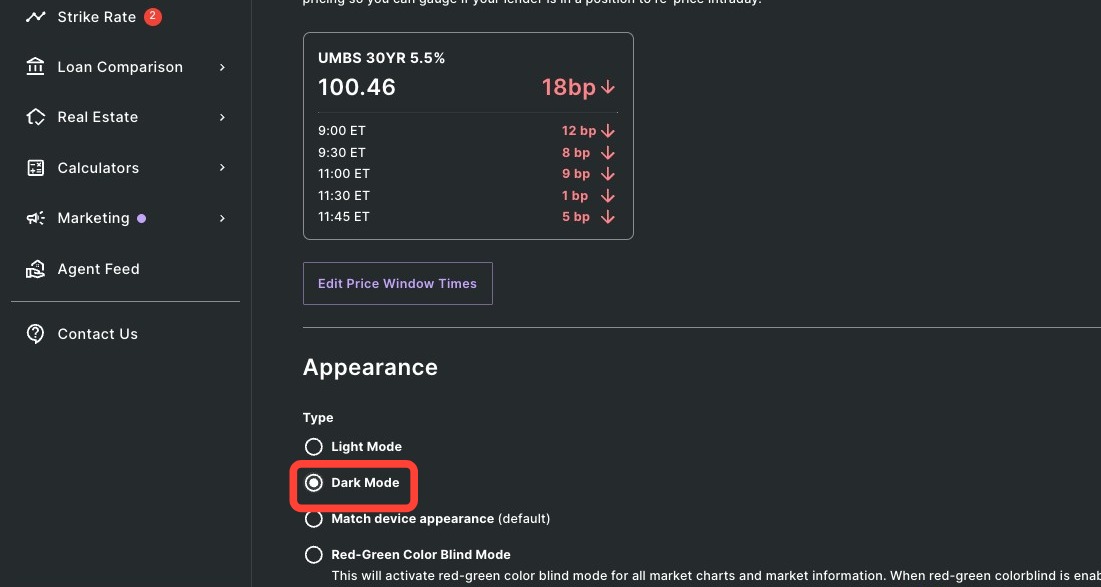
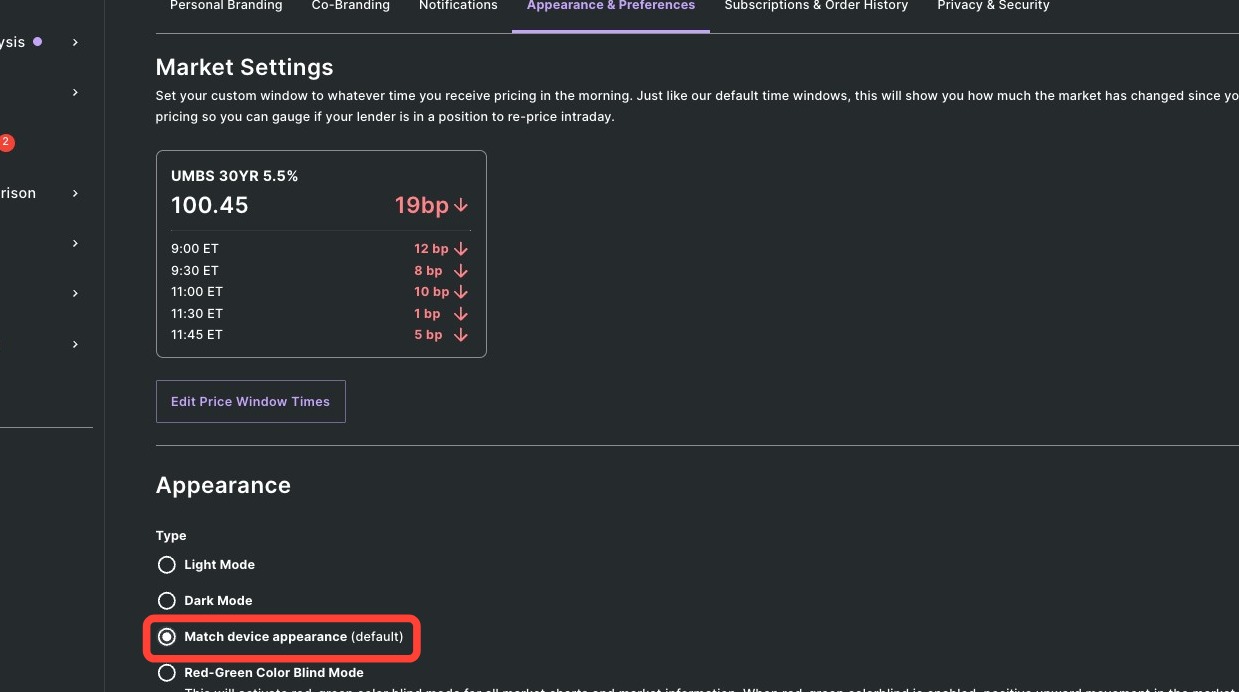
You can customize the platform's appearance to suit your preferences. Light Mode is selected by default. Each option is shown below.
Light Mode
Dark Mode
Match device — matches the appearance to your system settings.
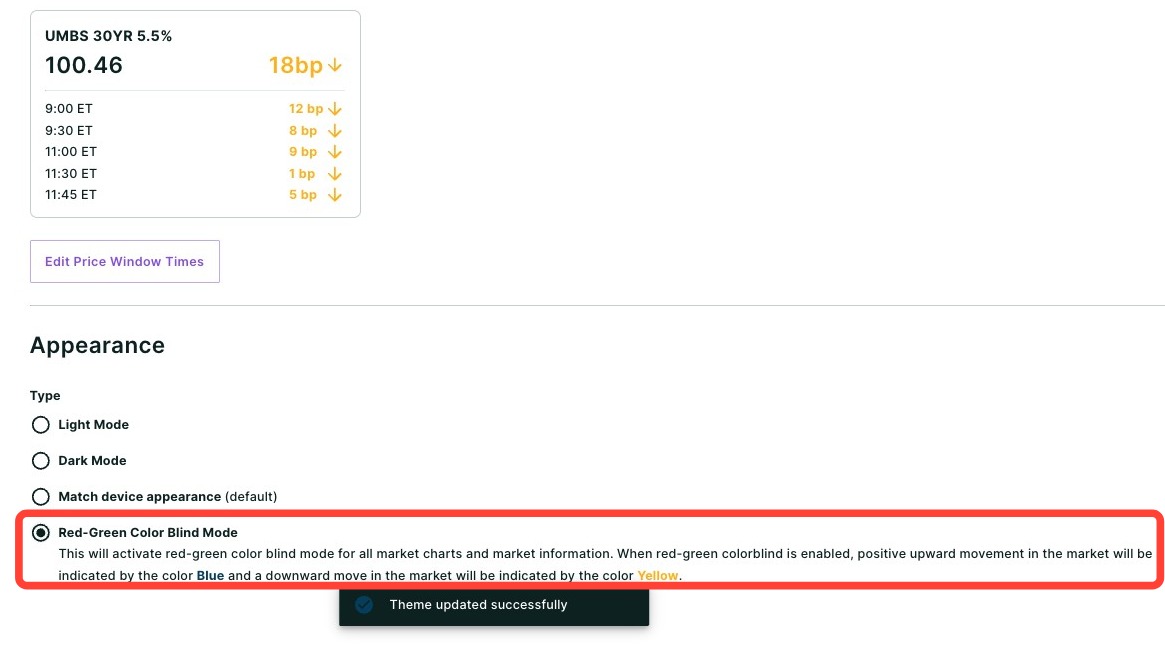
Red-Green Color Blind Mode
Need Help?
Have questions or want to learn more? Submit a ticket or call us today!
Related to