The Refi Risk of Waiting tool helps homeowners evaluate the financial impact of delaying a refinance by considering costs, savings, and break-even time. Accessible via Client Manager or the Calculator tab, users input current loan and refinance details to generate reports. Reports can be edited, downloaded as images or PDFs, and shared easily. Support is available through tickets or phone.
Navigating to the Refi Risk of Waiting Report
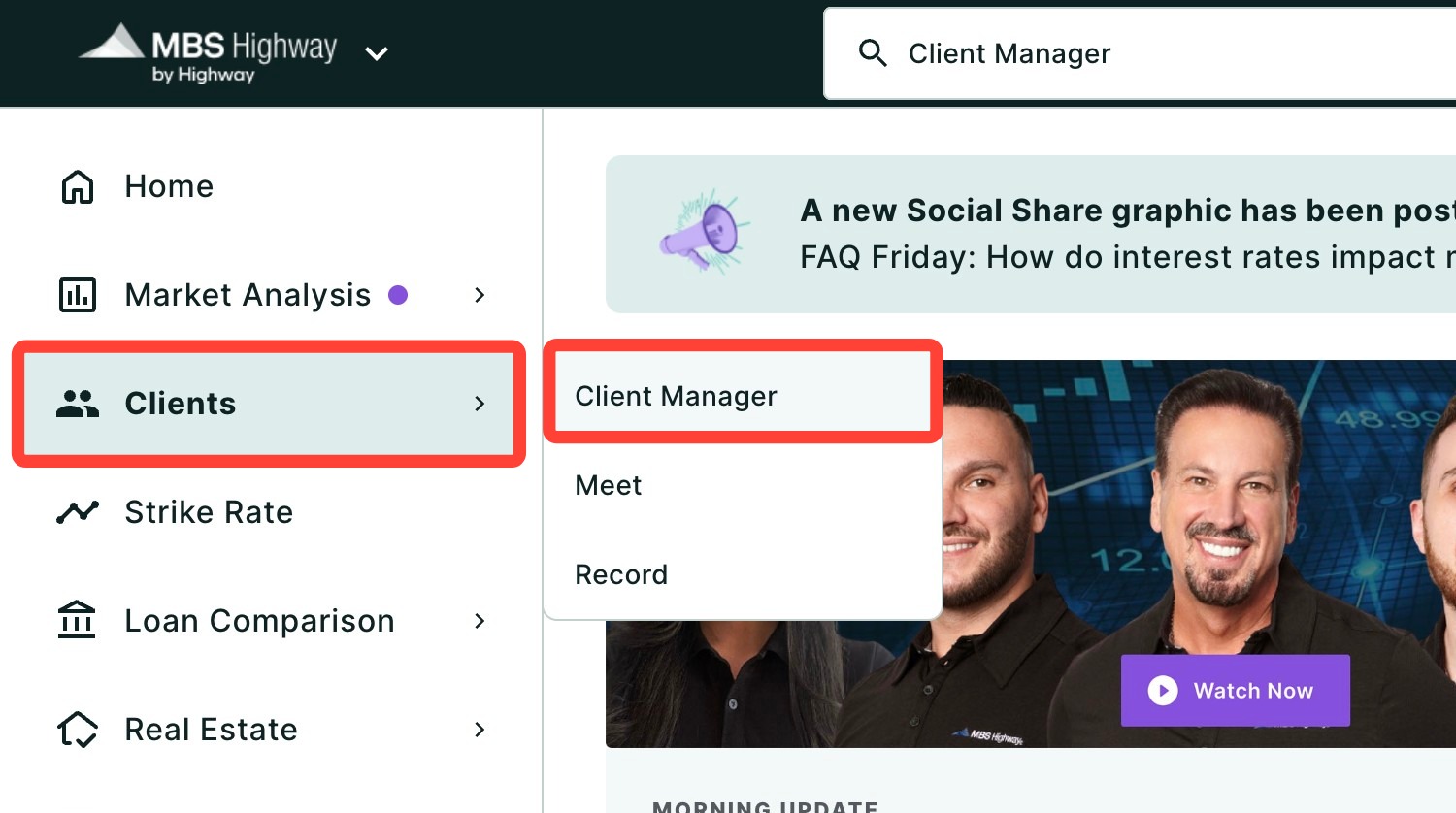
You can find your Refi Risk of Waiting Report within Client Manager and within the Calculators tab of the left-hand navigation menu.
Navigating through the Client Manager
Client Manager allows you to create reports for your clients using previously saved loan and property details, saving you time when building new scenarios.
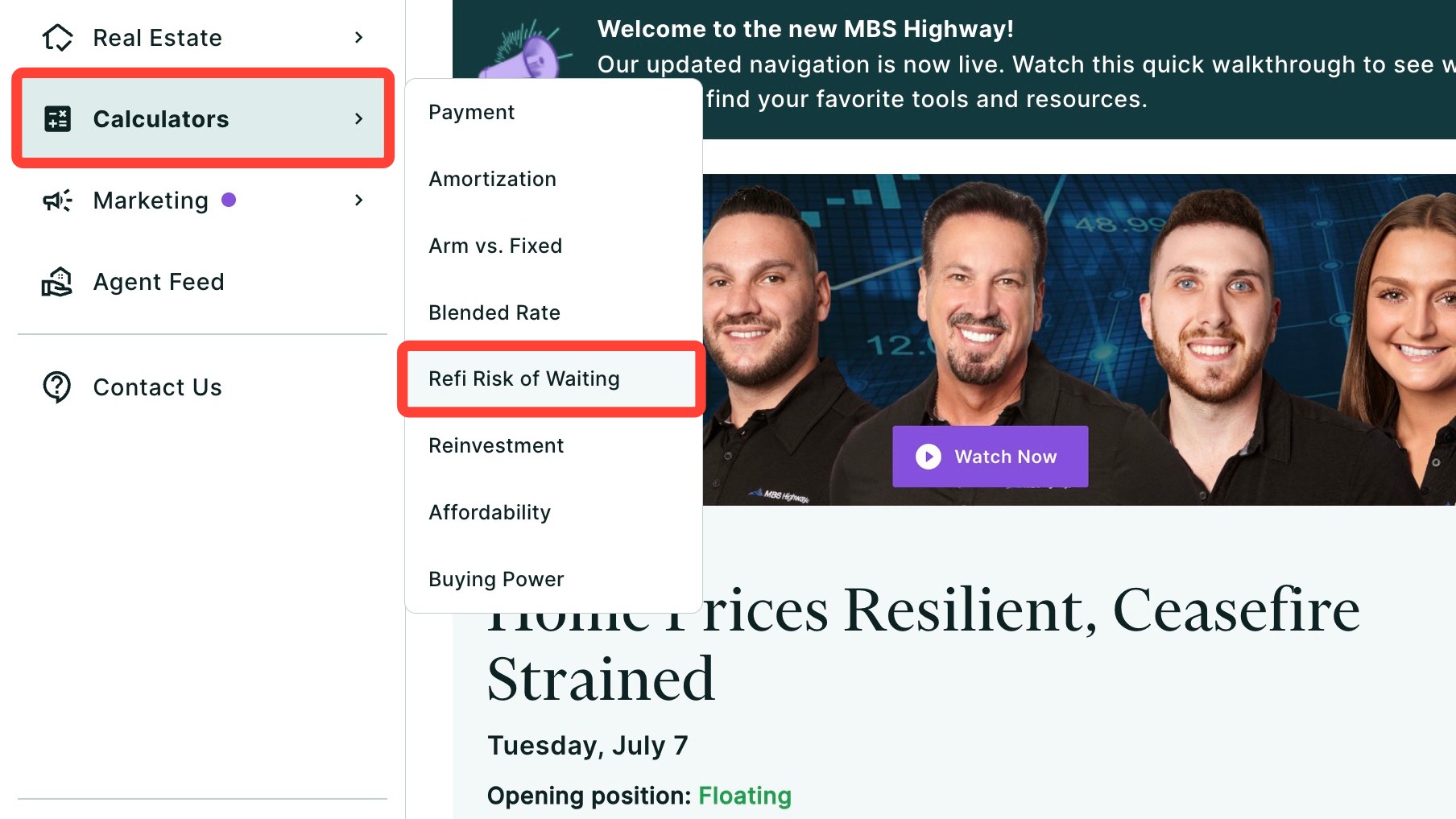
Navigating through the left-hand sidebar menu
To access the Refi Risk of Waiting report using the left-hand sidebar menu, click Calculators, then click Risk of Waiting.
💡 Helpful Tip: You can also search and favorite reports, tools, and calculators. Click here to learn how. |
Creating a Refi Risk of Waiting Scenario
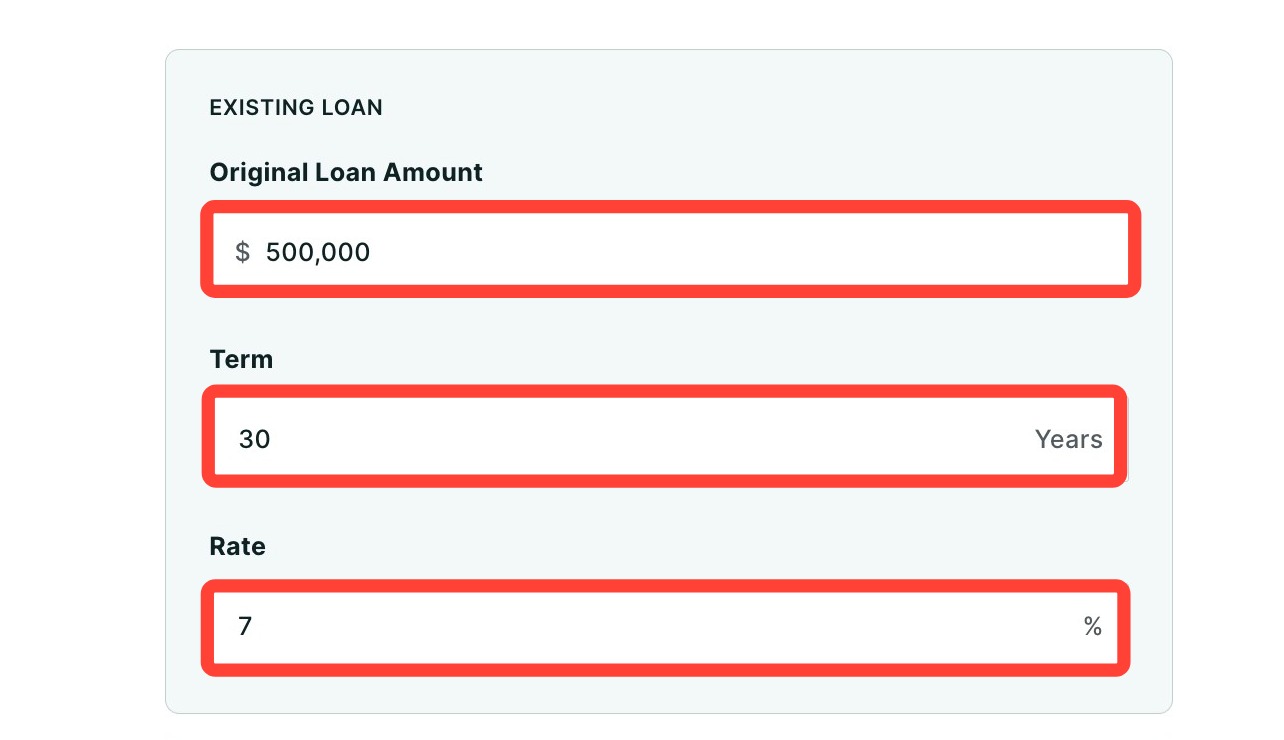
- Enter information about your client's existing loan.
- Original Loan Amount: Enter original principal amount
- Term: Input length of the loan in years
- Current Rate: Enter current interest rate on the mortgage
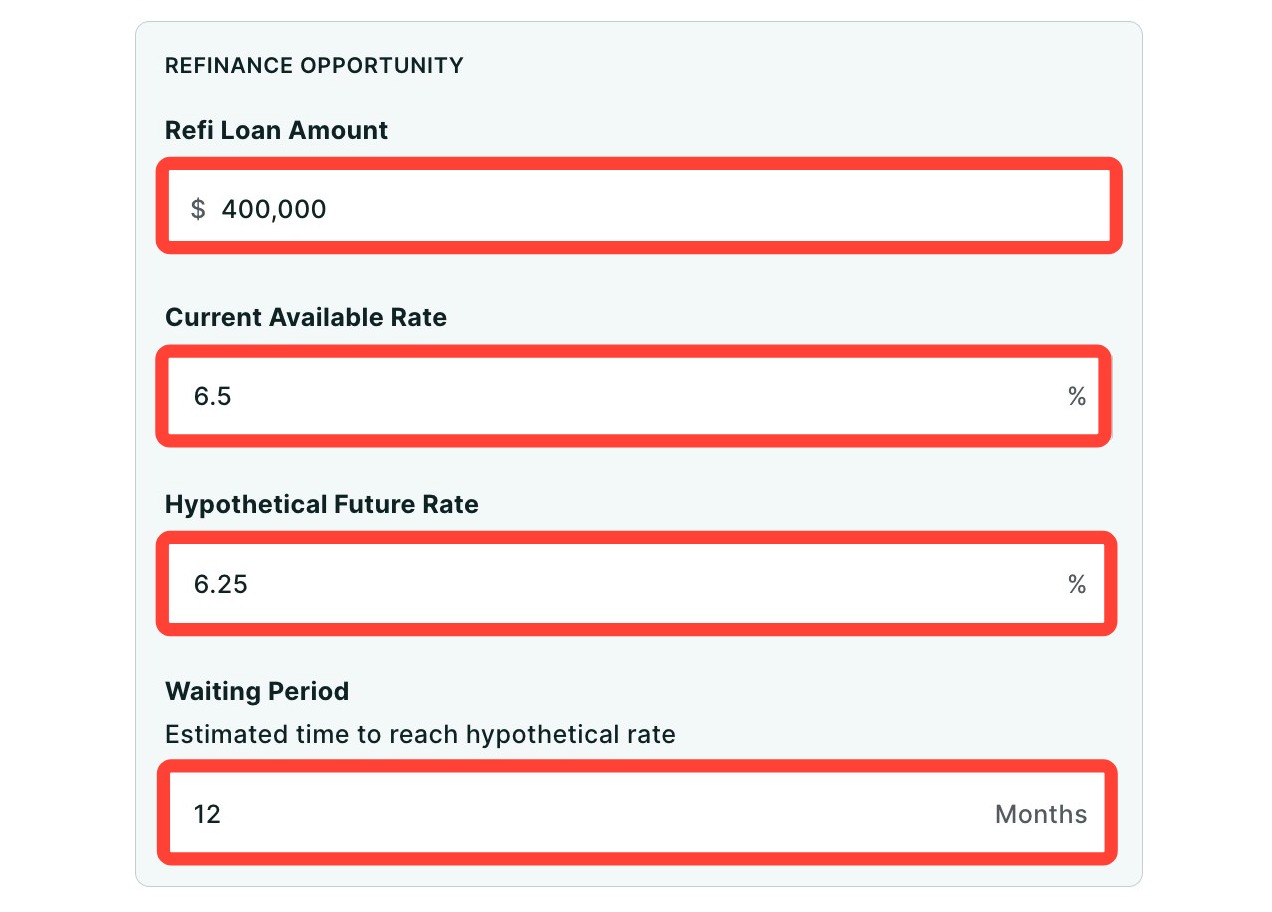
- Next, fill out the details of the refinancing scenario.
- Refi Loan Amount: Enter the remaining balance of your client's current loan
- Current Available Rate: Enter the current available rate
- Hypothetical Future Rate: Enter the rate the homeowner expects to achieve by waiting for lower interest rates in the future
- Waiting Period: Enter the number of months your client estimates they will need to wait for the hypothetical rate
- Click Calculate to view the summary of results.
Making Edits
If you need to make edits to your report, follow the steps below:
- Click Edit.
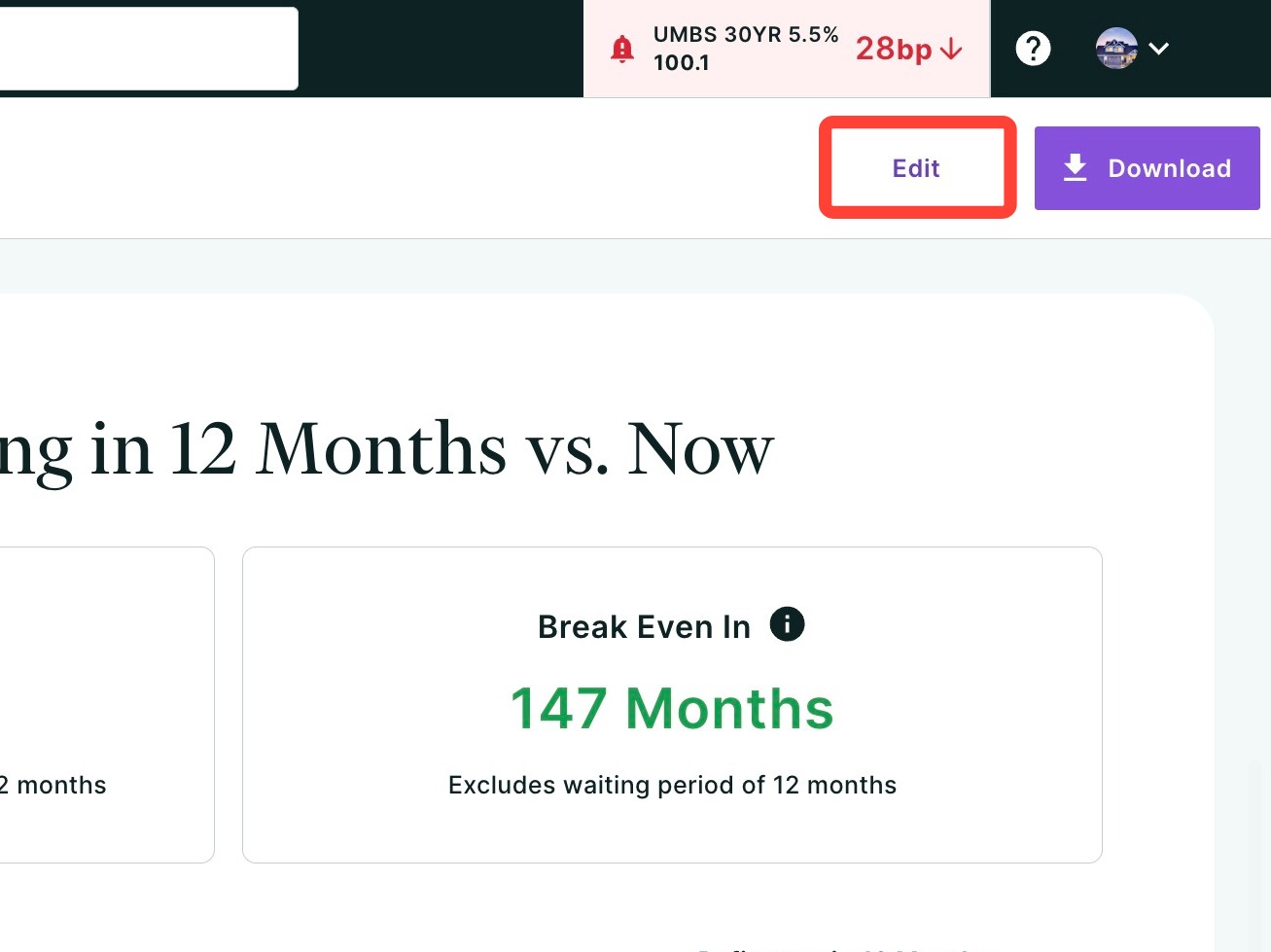
- Make your desired edits.
- Click Update.
Sharing the Risk of Waiting Report
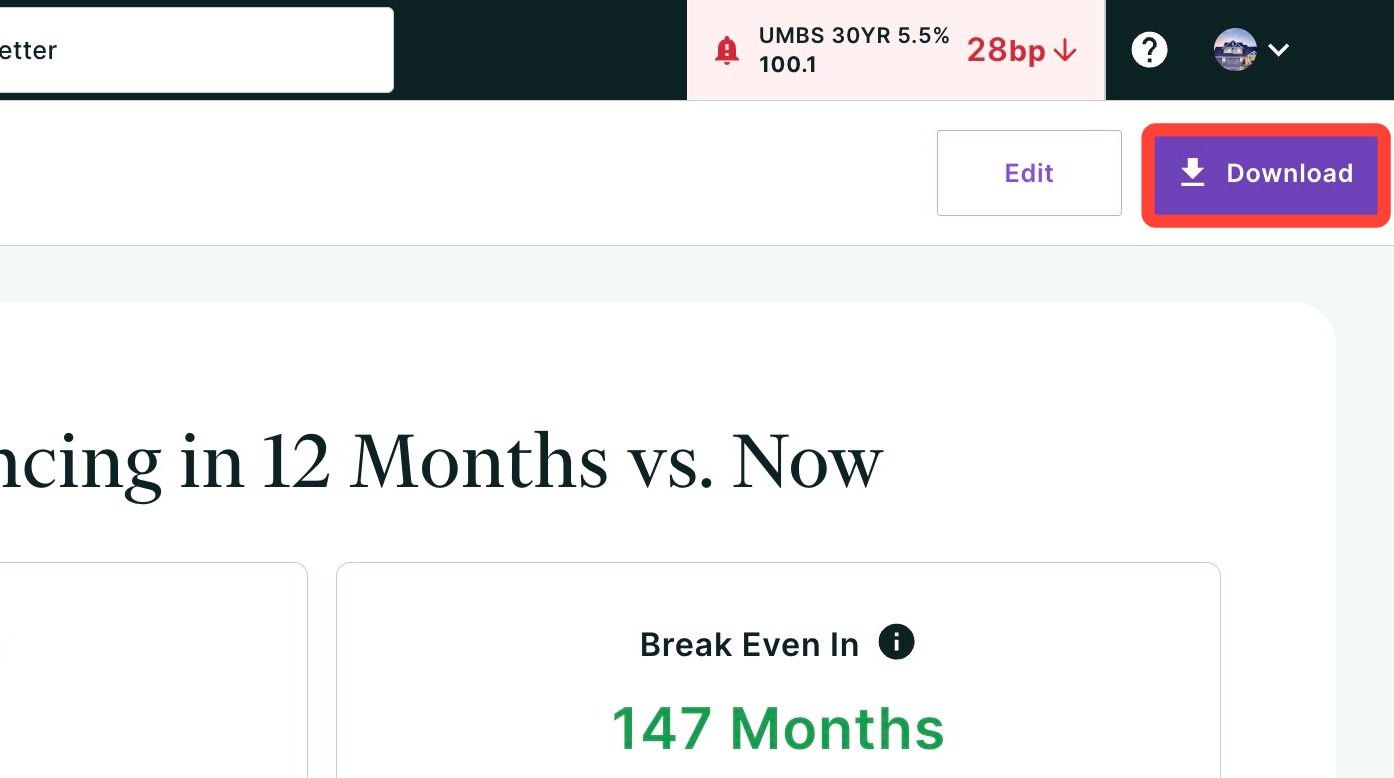
You can download the Risk of Waiting tool as an image or PDF file, simply by clicking Download in the top right hand corner of the page and choose if you would like to download the file as an image or PDF. This makes it easy to share on social media, email, print and more!
Learn about the results by clicking here or visiting the next article.
Need Help?
Have questions or want to learn more? Submit a ticket or call us today!