This guide breaks down each section of the Cost of Waiting report, including the net cost of waiting to buy, the appreciation gain and payment difference over your selected timeframe, and the underlying property and loan details. It's designed for loan officers to help clients weigh the financial impact of buying now versus waiting to purchase. If you need help building the report itself, see the paired step-by-step guide.
Navigating to the Cost of Waiting
You can find your Cost of Waiting report within Client Manager as well as within the Loan Comparison tab in the left-hand navigation menu.
Navigating through the Client Manager
Client Manager allows you to create reports for your clients using previously saved loan and property details, saving you time when building new scenarios. To learn more, click here.
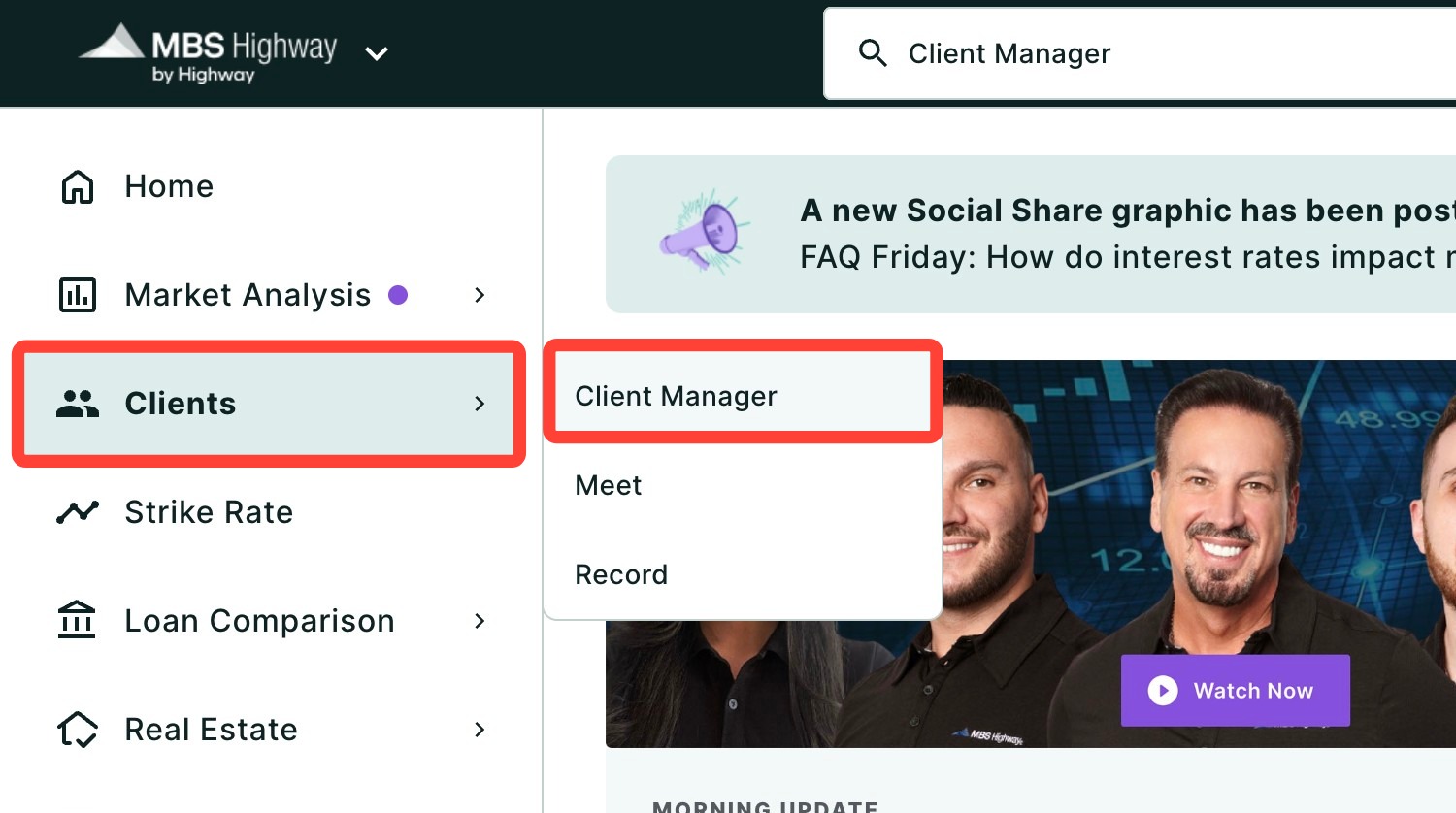
Navigating through the left-hand sidebar menu
To access the Cost of Waiting report using the left-hand sidebar menu, click Loan Comparison, then click Cost of Waiting.

💡 Helpful Tip: You can also search and favorite reports, tools, and calculators. Click here to learn how.
|
Buying Now vs Waiting
The Buying Now vs Waiting # Year shows the total net cost of waiting for the duration of time you selected (e.g. 2 years). The equation is Appreciation Gain + Cumulative monthly payment difference for buying now vs waiting - Cost of Refinance = Benefit of Buying Now.
- The Cumulative monthly payment difference for buying now vs waiting is the difference between the payments made over the waiting period when buying now and the same number of payments when waiting. For example, if your waiting period is 2 years, this figure will compare the total payment difference between the first 24 payments.
Appreciation Gain and Payment Difference
In the next section, you can see the Appreciation Gain of the property over time.
The Payment Difference chart shows what the monthly payment would be now and what it would be if you were to wait and take this loan out at a later point.
Property & Loan Details
At the bottom of the report, you will find a full breakdown of the Property and Loan Details. You can make edits to these details by clicking Edit at the top right corner of the page.
Need Help?
Have questions or want to learn more? Submit a ticket or call us today!