The Co-Branding section in Account Settings allows you to manage your real estate referral partners. From here, you can invite new agents, add existing partners, track their status, and manage co-branded relationships in one place. Adding a co-branded partner carries a RESPA compliance requirement, so review the note below before you begin.
Navigating to Co-Branding
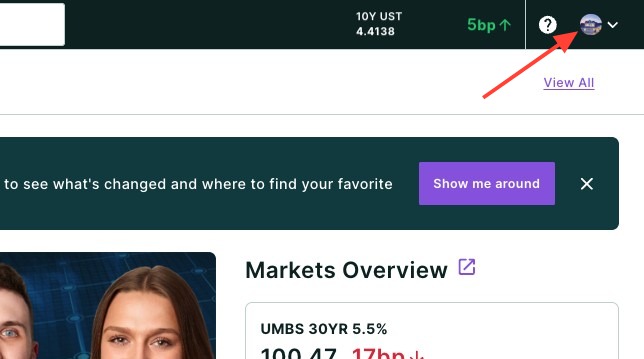
- Click your headshot in the top right-hand corner of the page.
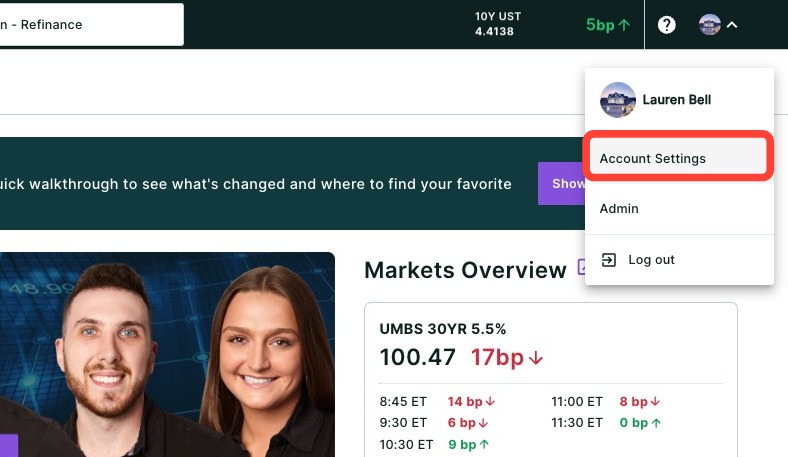
- Click Account Settings.
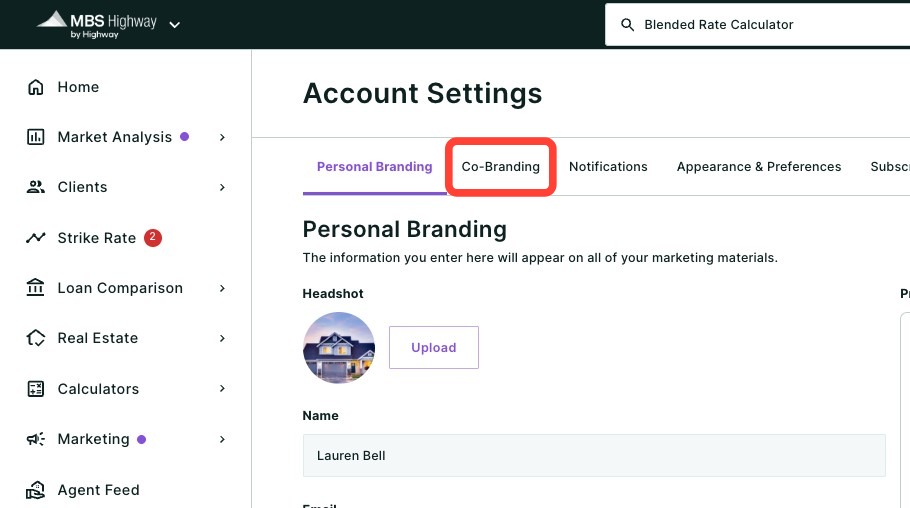
- Click the Co-Branding sub-tab.
Inviting and Adding Co-Brand Partners
From here, you can invite or manually add agents you would like to co-brand with on your marketing materials.
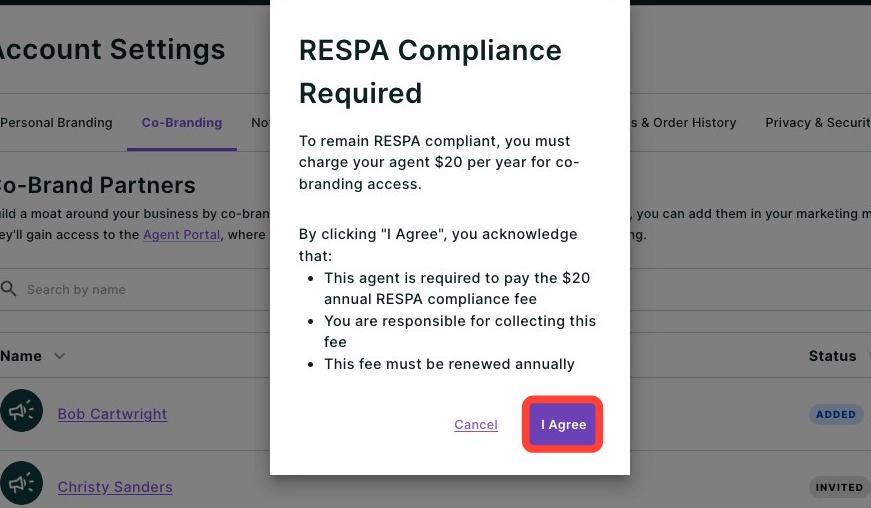
Please note: To remain RESPA compliant, you must ensure your co-branded real estate agent is charged $20 per year for co-branded marketing. If you add the agent manually, this fee must be collected separately. If you invite the agent to co-brand through the Realtor Portal, they will enter their credit card details during registration and Highway will automatically bill the $20 annual fee. |
Inviting Agents to Co-Brand
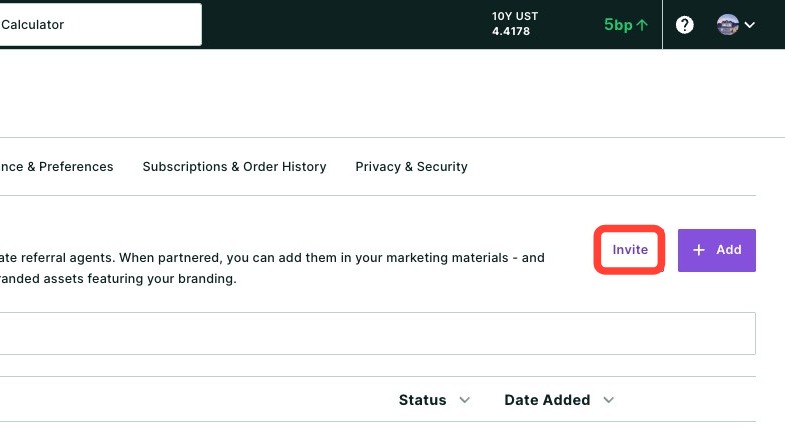
- To invite an agent to co-brand with you on MBS Highway, click the Invite button.
- Enter the agent's name and email.
- Click Send.
Adding Agents to Co-Brand
- You can also add an agent as a co-branded partner by clicking + Add.
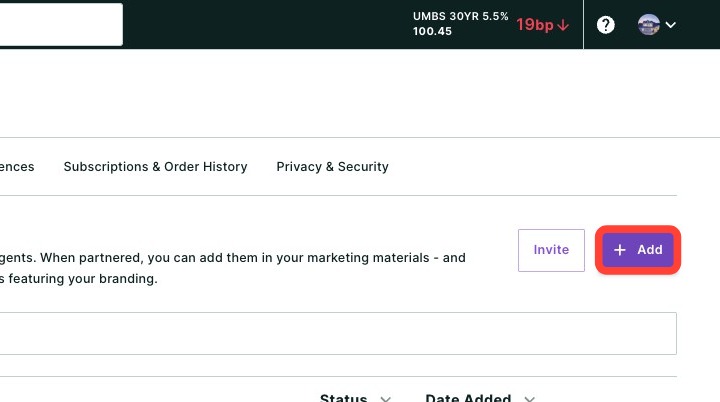
- Review the RESPA compliance notice, then click I Agree. You will then be able to download the invoice.
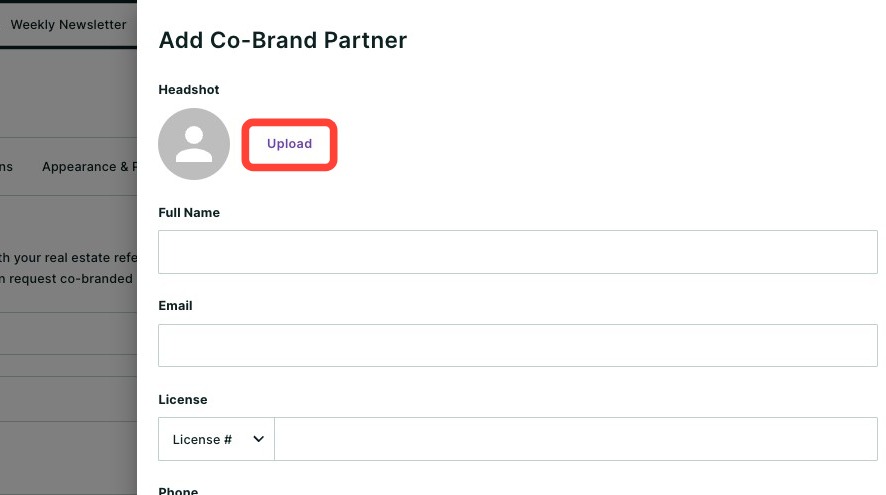
- Upload the agent's headshot by clicking Upload.
- Click Upload.
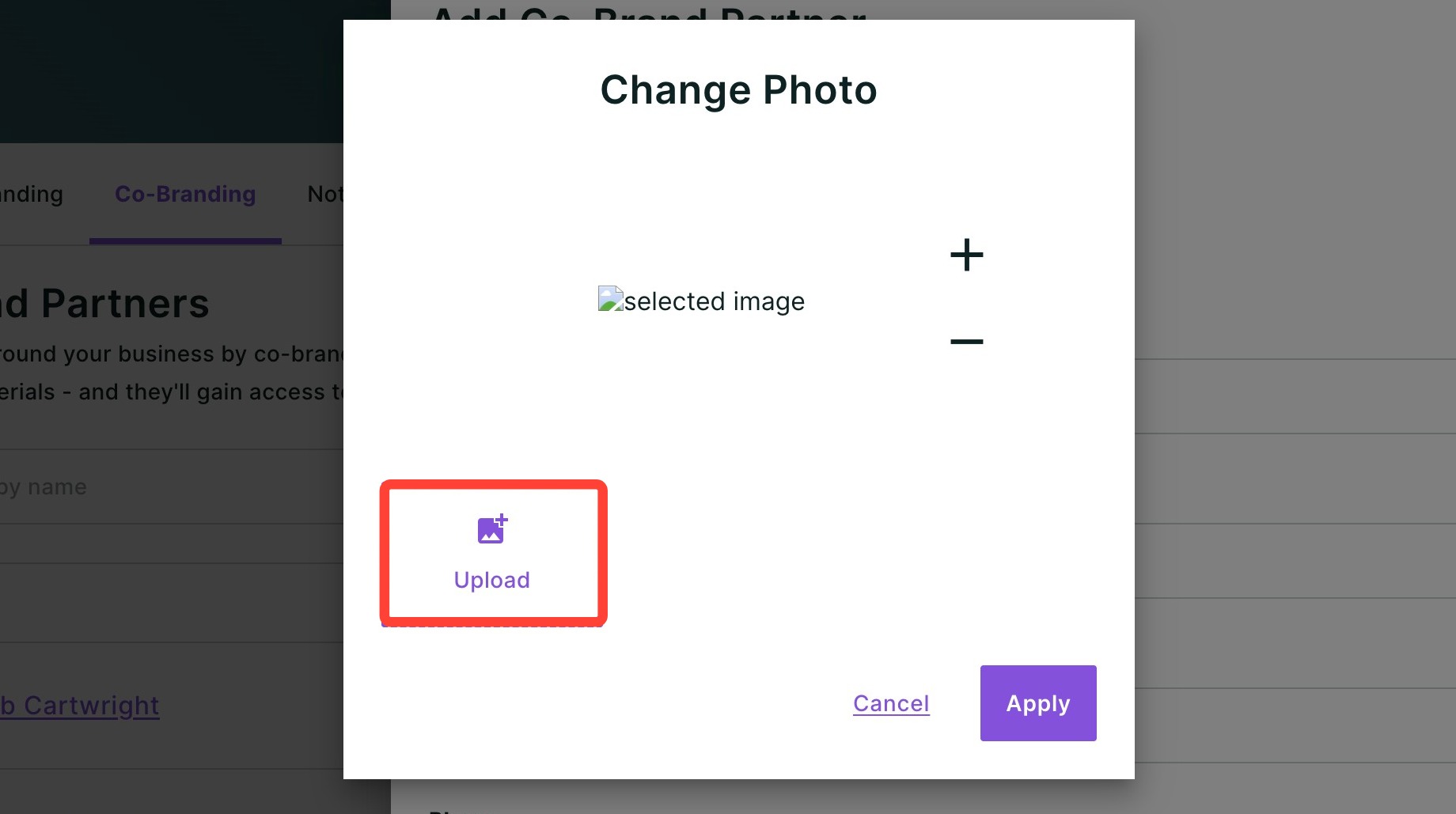
- Select the photo file from your computer.
- Adjust the zoom on the photo using the + or −.
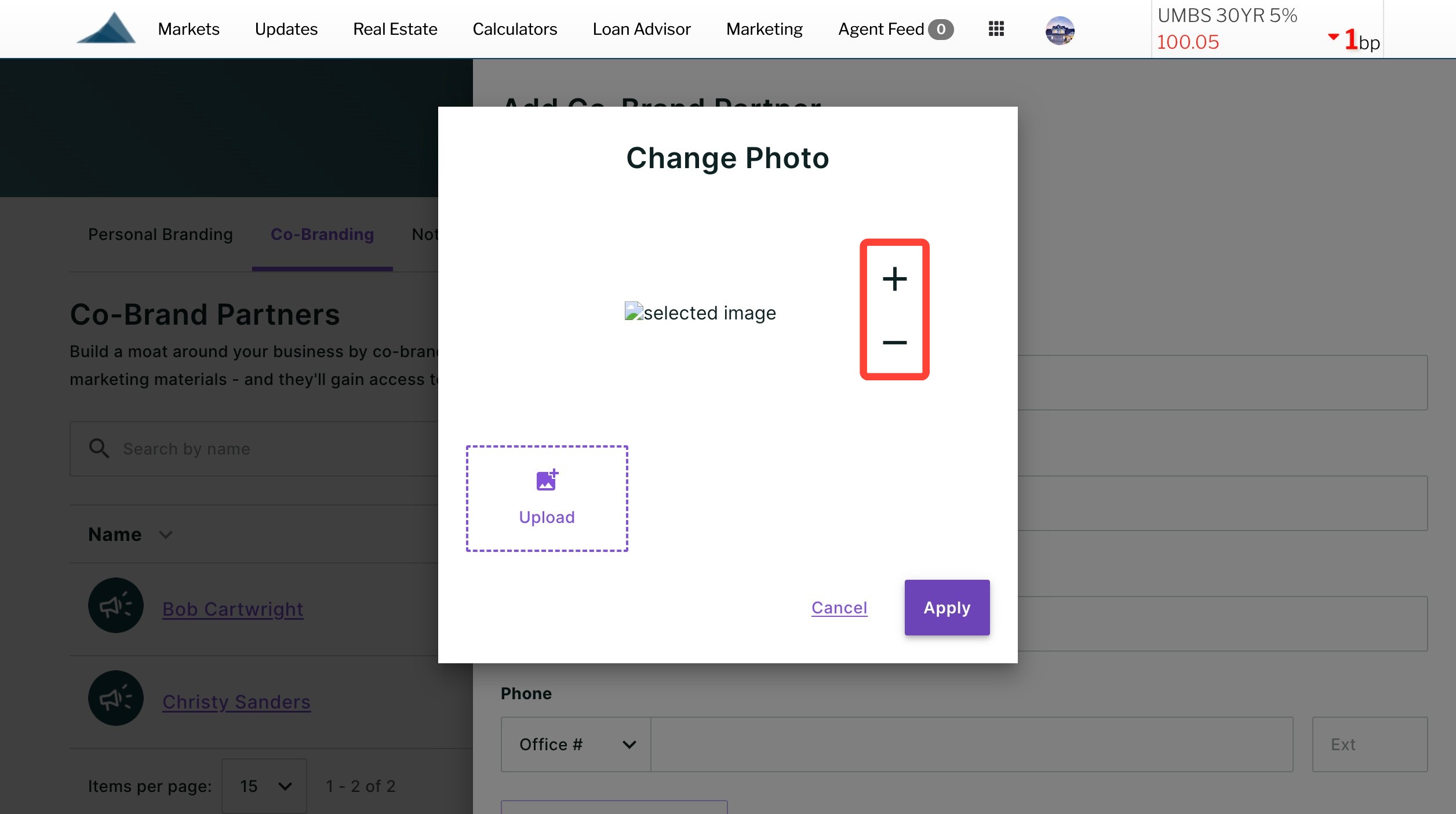
- Once satisfied, click Apply.
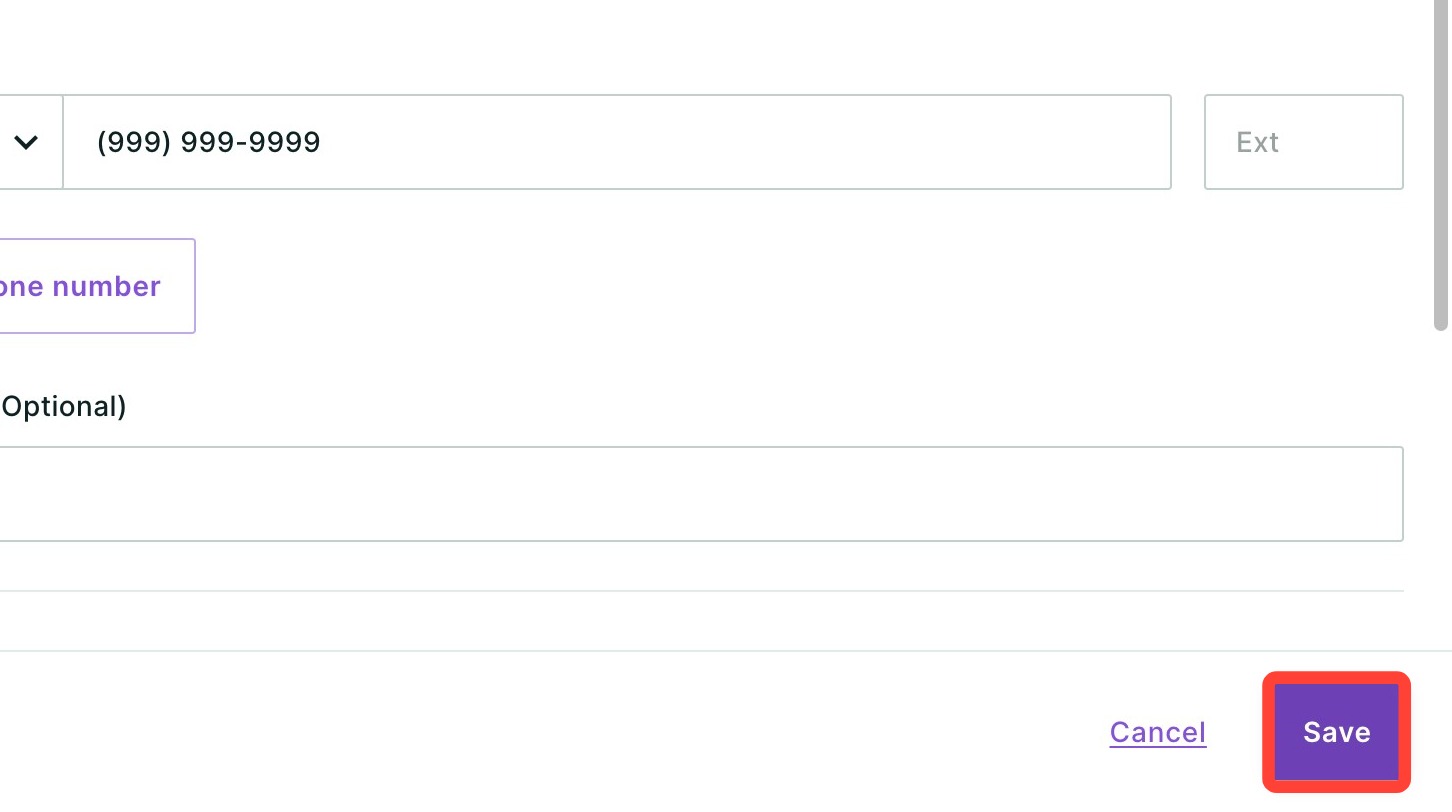
- Fill out the agent's information. This will be displayed on co-branded marketing kits. Required fields include their name, email, license, phone number, and company name.
- Click Save.
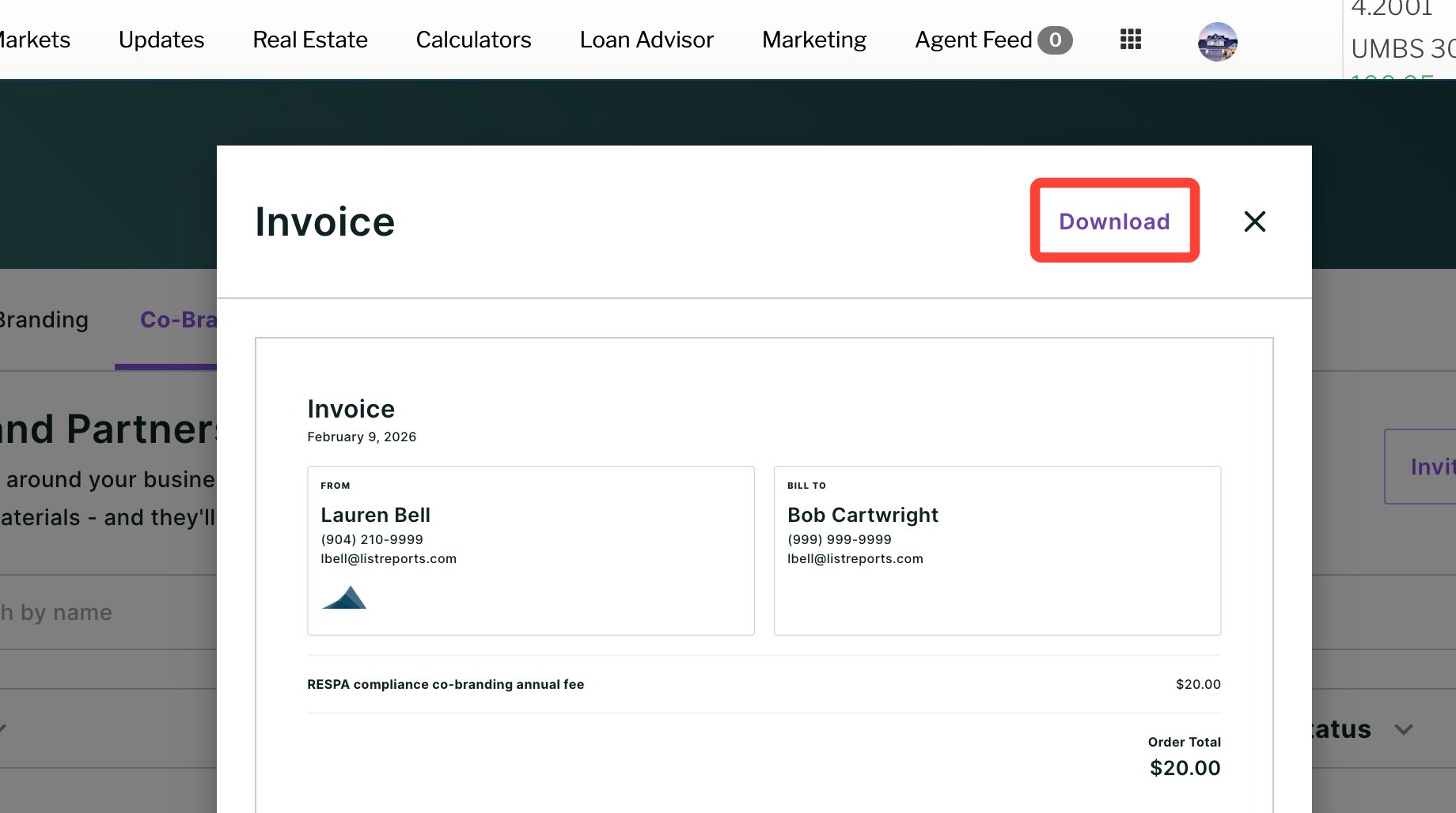
Downloading an Agent's Membership Invoice
To generate and send your co-brand partner their yearly membership invoice, follow the steps below:
- Click the receipt icon pictured below.
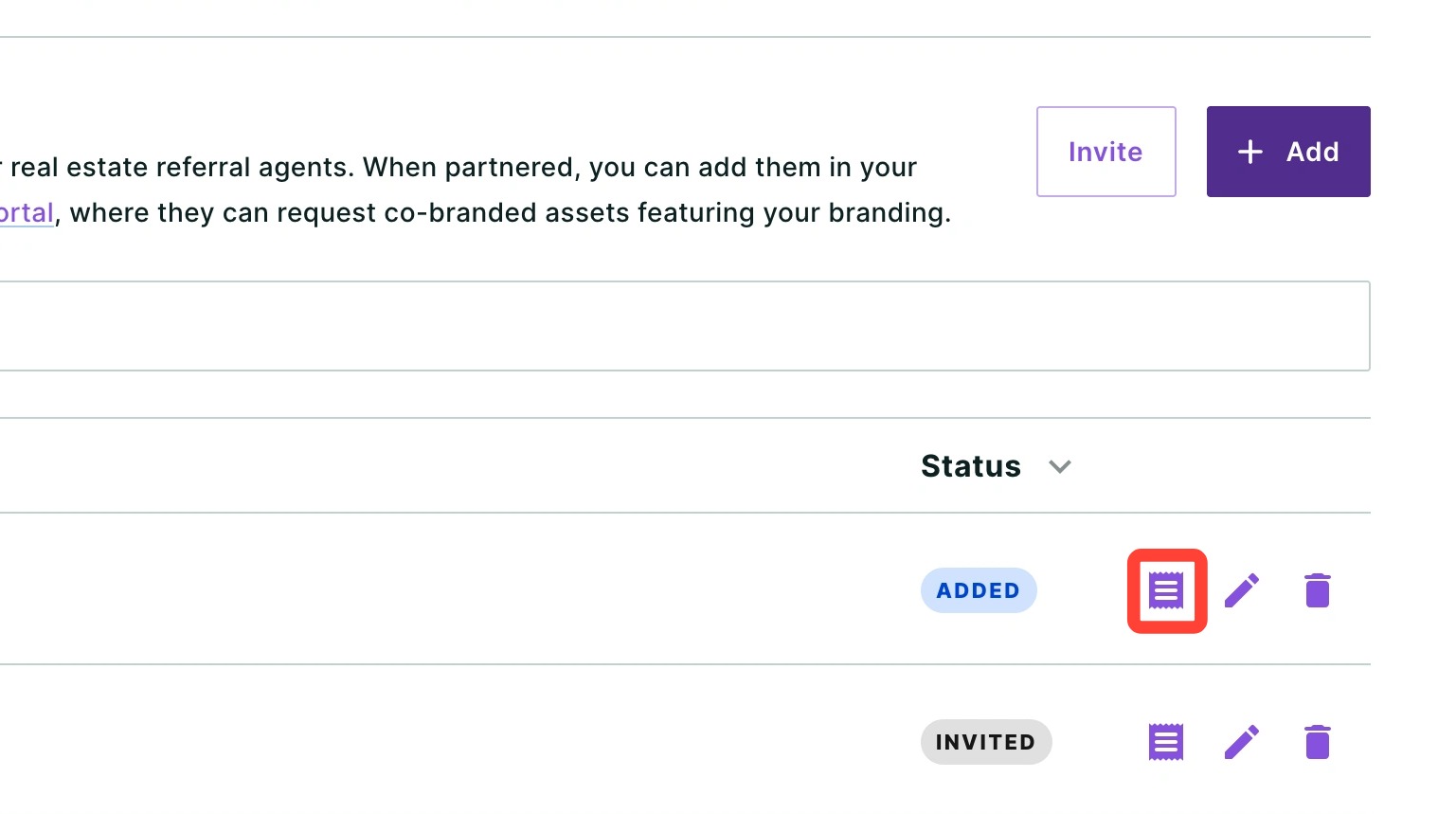
- Click Download.
Editing your Co-Brand Partner's Branding
- To edit your co-brand partner's branding information such as their headshot, name, email, phone number and company details, click the pencil icon.
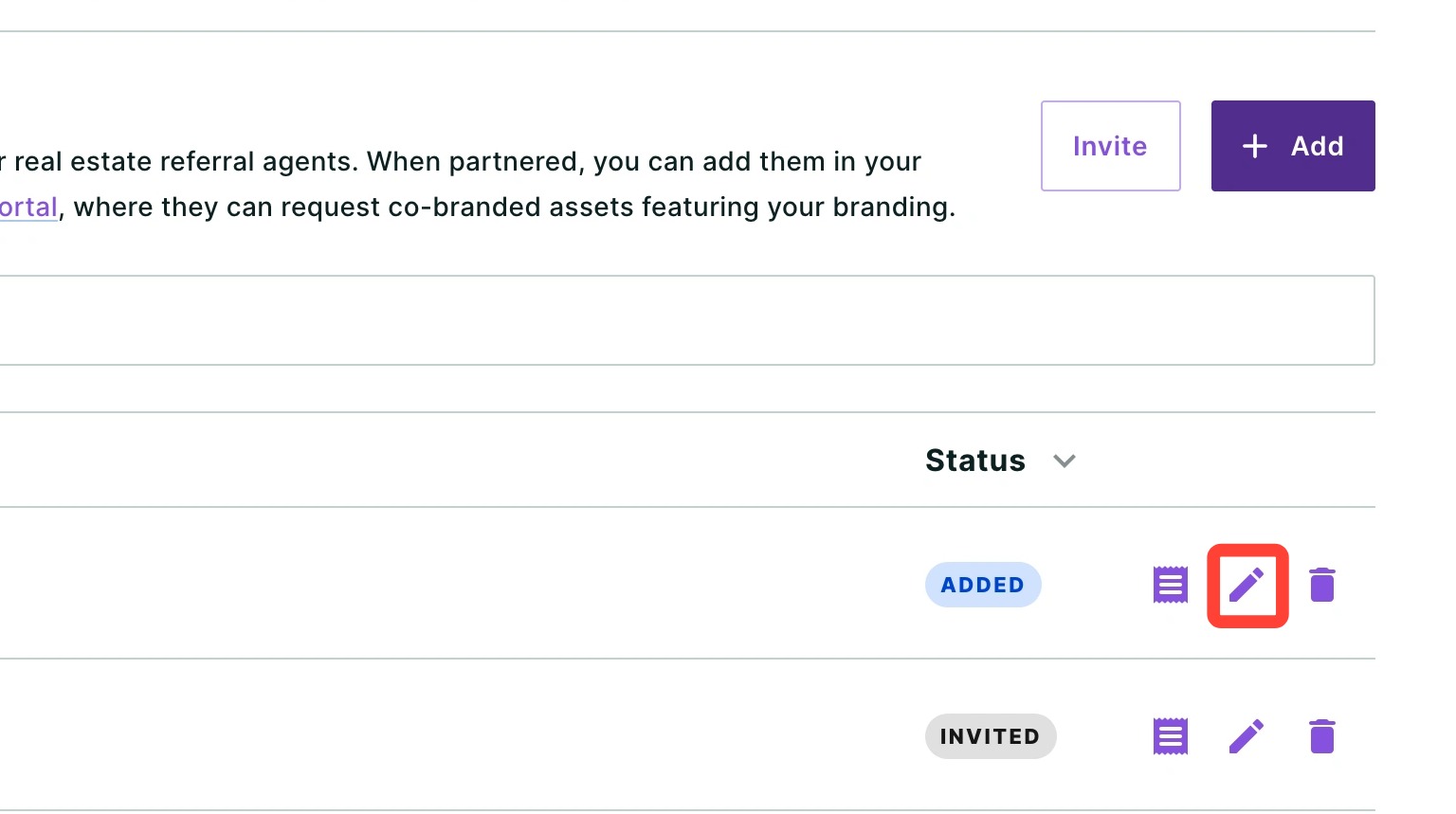
- Once you make your edits, click Save.
Deleting a Co-Brand Partner
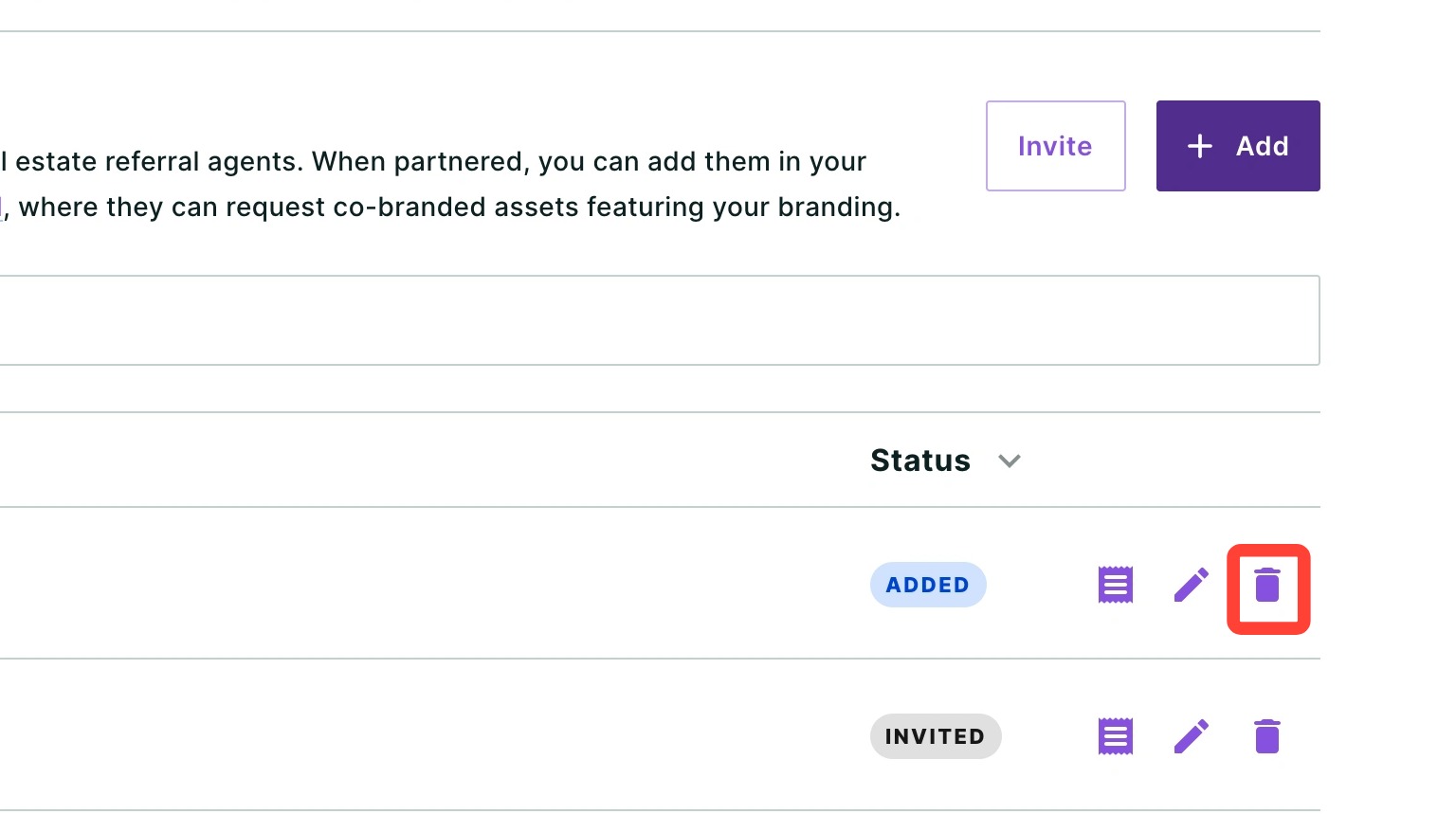
- To remove a co-brand partner, click the trash can icon.
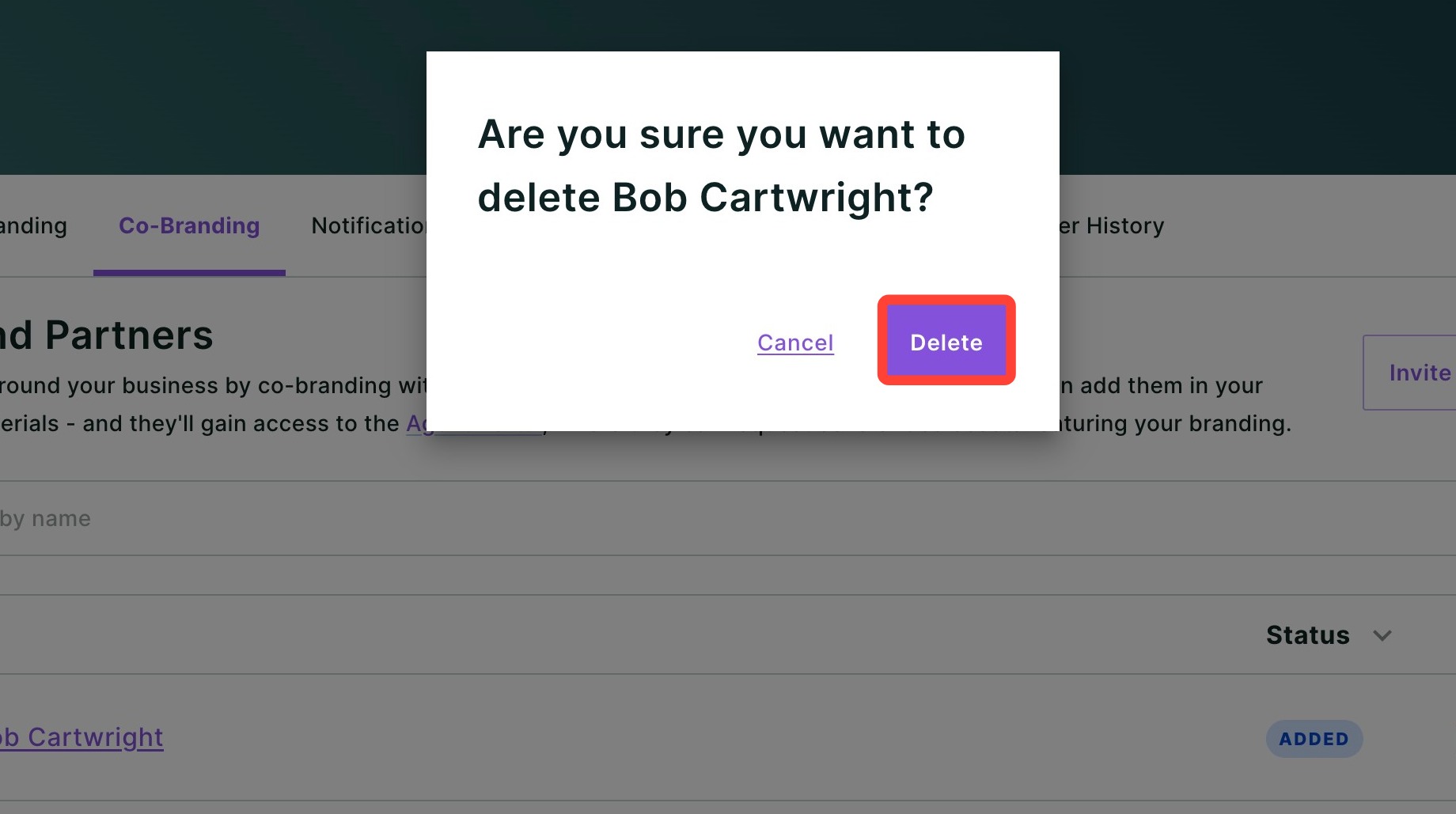
- Confirm you would like to delete your co-branded partner from your account by clicking Delete.
Need Help?
Have questions or want to learn more? Submit a ticket or call us today!
Related to