If you have forgotten your MBS Highway password, you can reset it yourself from the login page. This article walks you through requesting a reset, receiving a temporary password by email, and setting your new password once you are back in.
Resetting Your Password
If you have forgotten your password and need it to be reset, follow the steps below:
- Go to the MBS Highway login page.
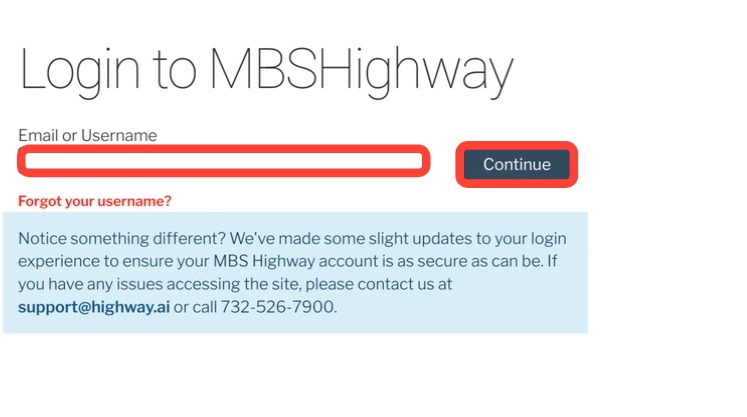
- Enter your email, then click Continue.
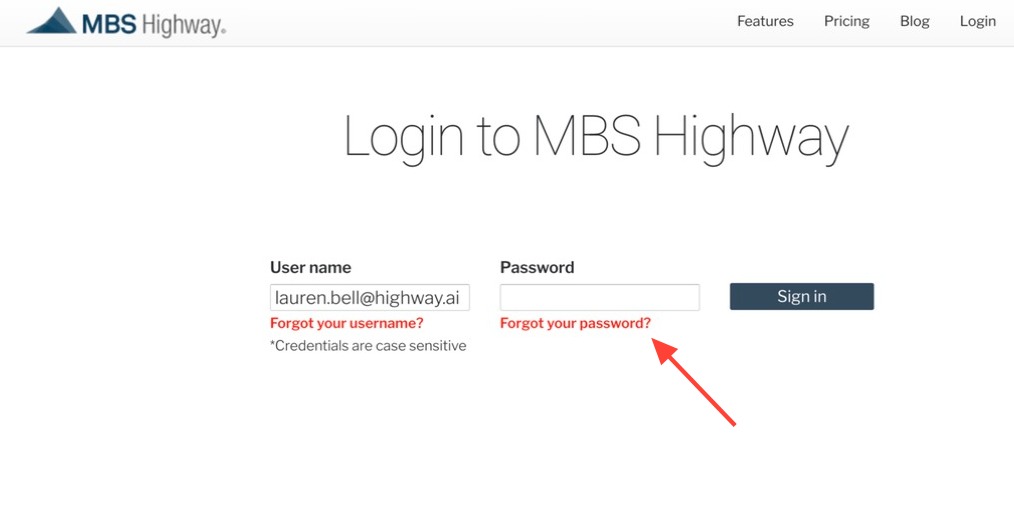
- Click Forgot your password?
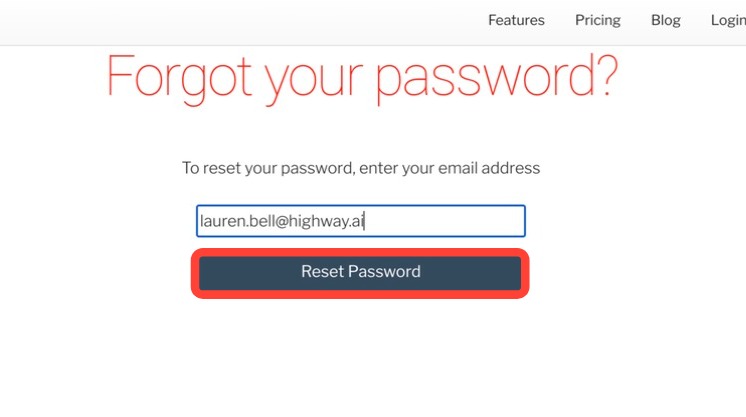
- Enter your email address.
- Click Reset Password.
- A temporary password will be emailed to the address you entered.
- Log in to MBS Highway using your temporary password.
- Once you're logged in, you will be prompted to change and enter your new password.
Need Help?
Have questions or want to learn more? Submit a ticket or call us today!
Related to